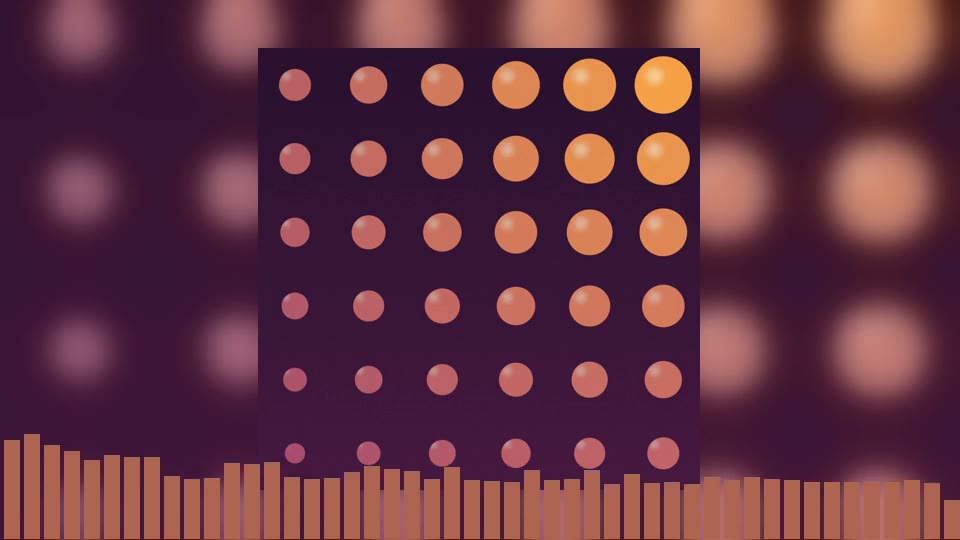
Bars
The classic spectrum: 16 to 160 bars, or Auto.
Spinclip renders audio-reactive visualizer videos for your releases — sized for YouTube, Instagram, TikTok and Spotify Canvas, all at once, on your own computer.
Rendered by Spinclip from one cover and one song. Demo artwork and music made for this page.
One render, every format a release goes out in
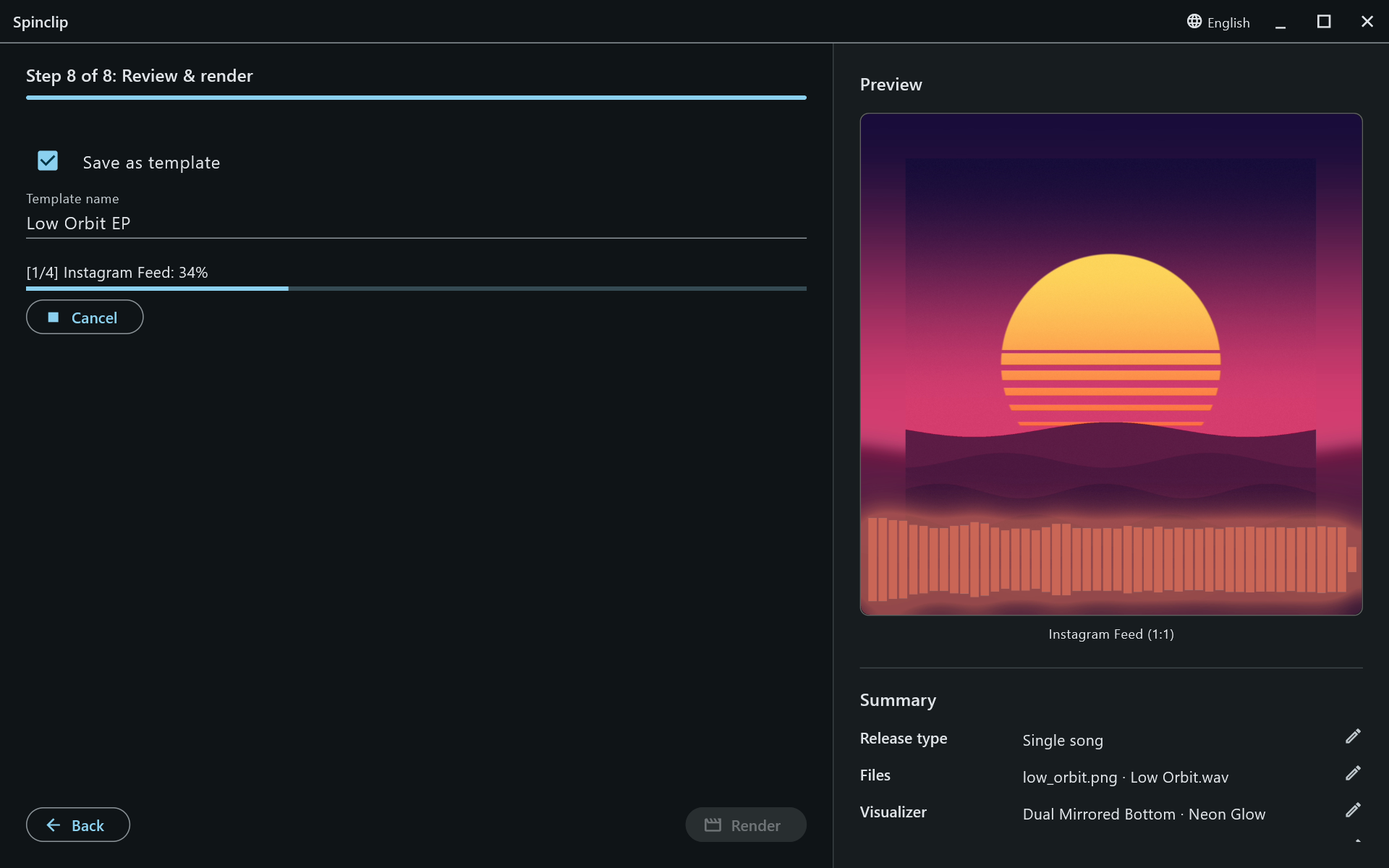
The easy path asks only what it needs. Every other setting starts at a sensible default, and the preview beside each step is a real frame of the final video.
Want more control? Turn on Advanced settings for the visualizer, colours, overlays, timing and export options.
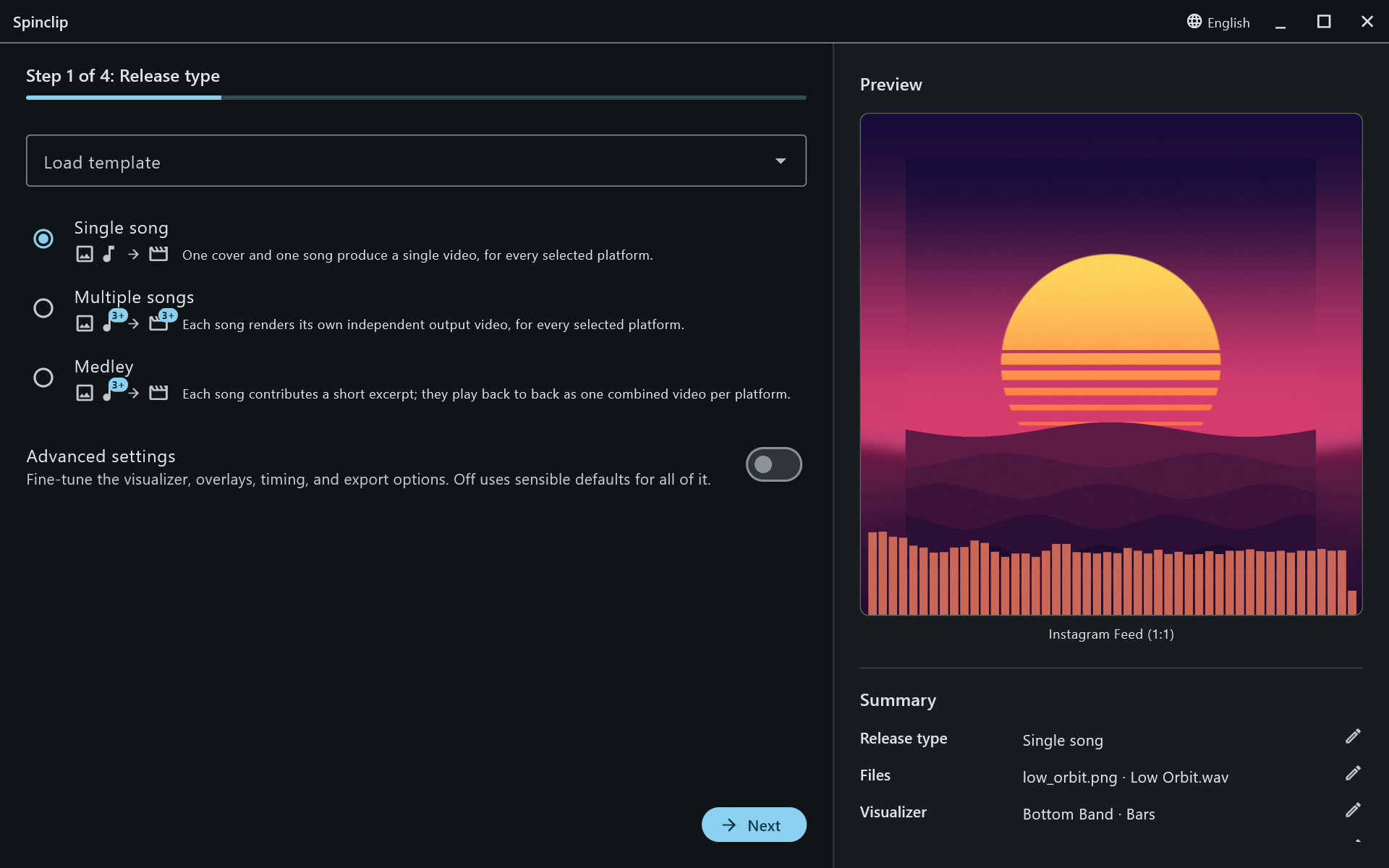
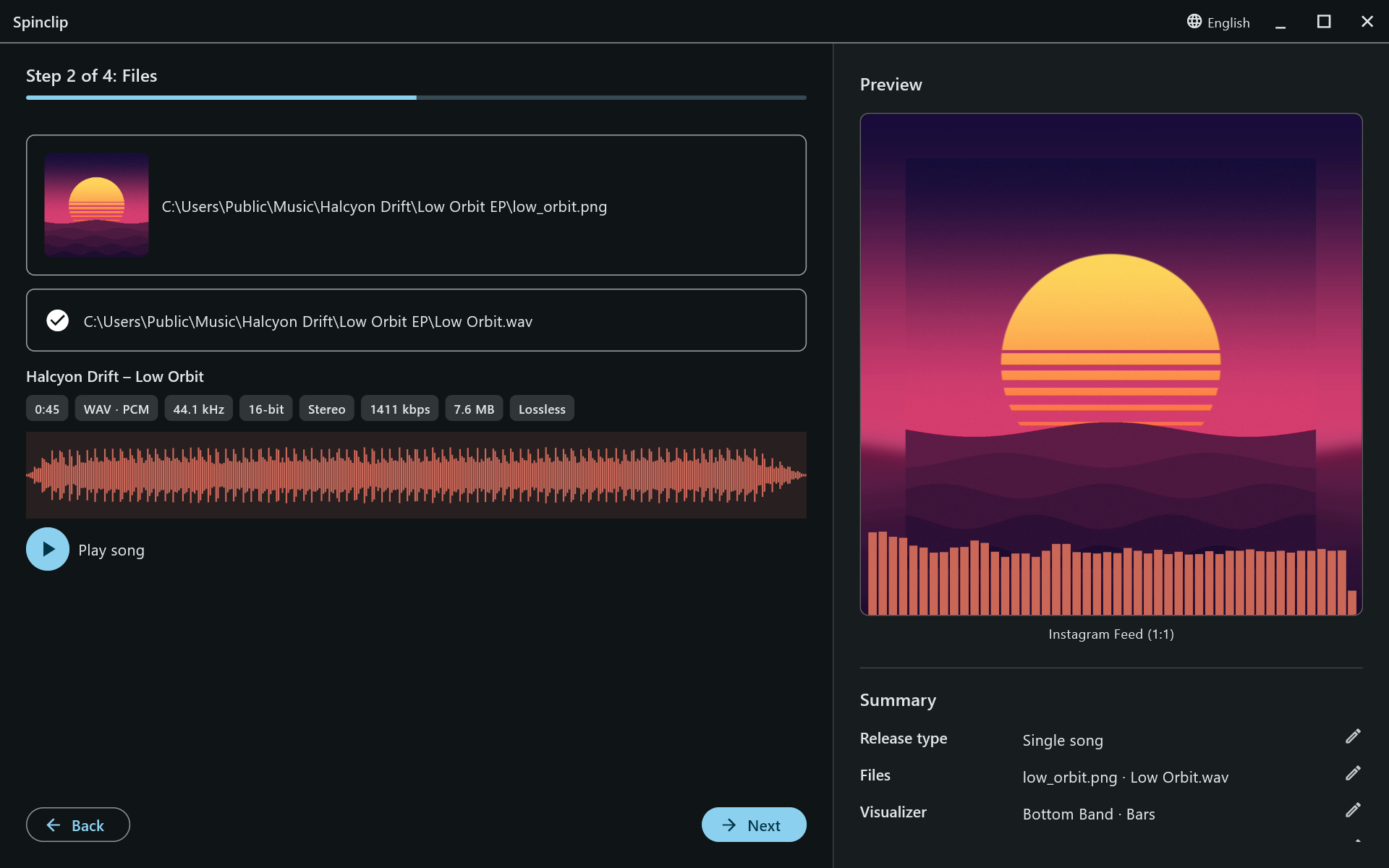
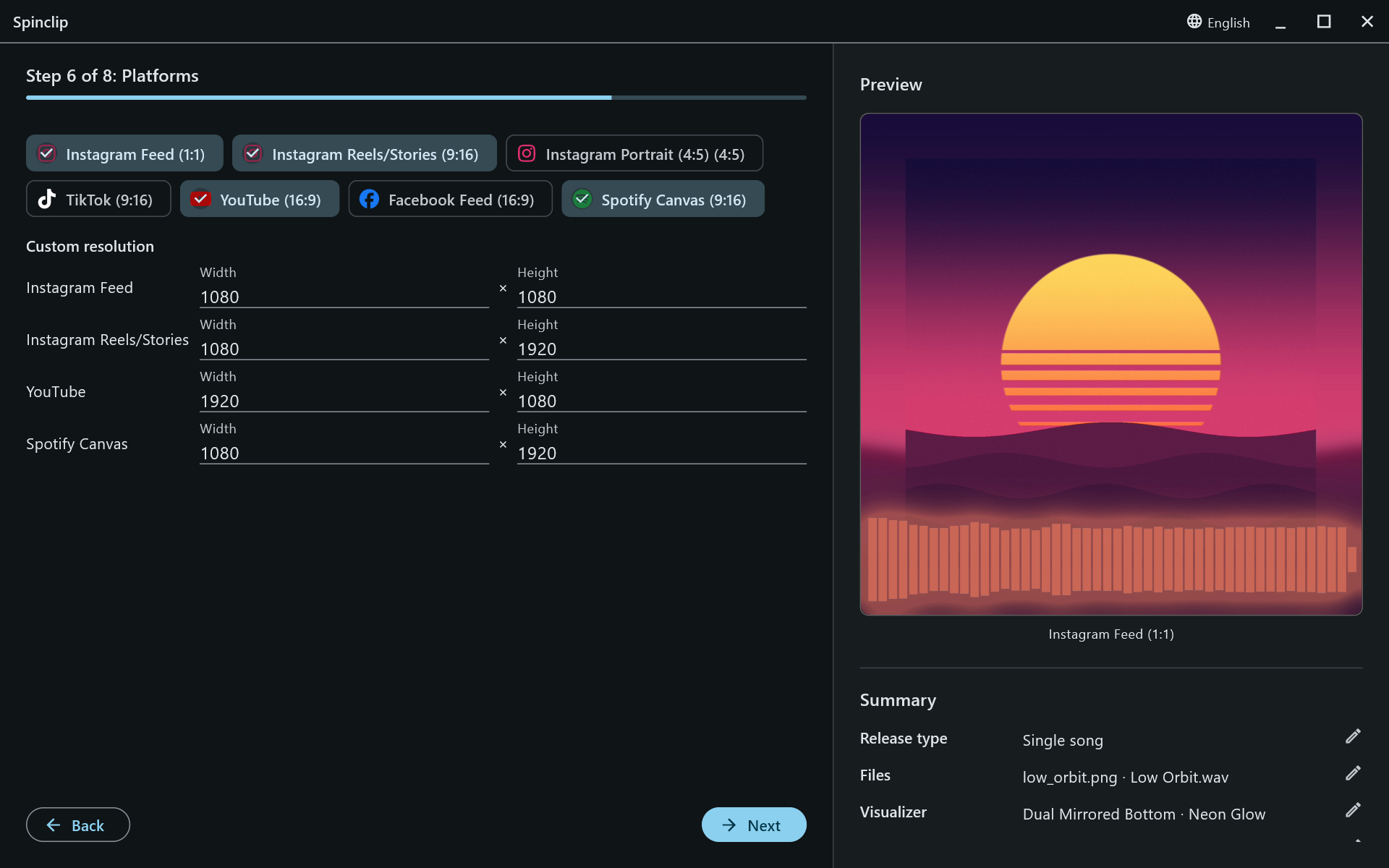
The same cover and song, laid out again for each platform’s shape — not a crop of one video.
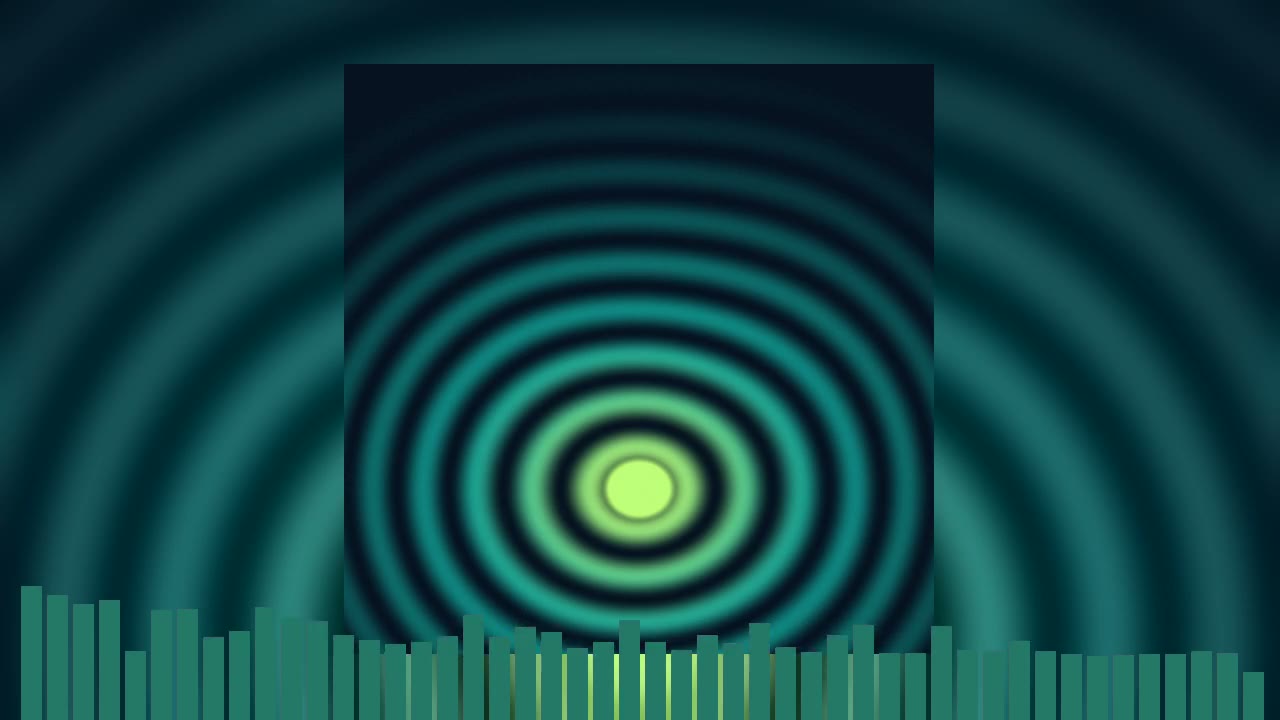
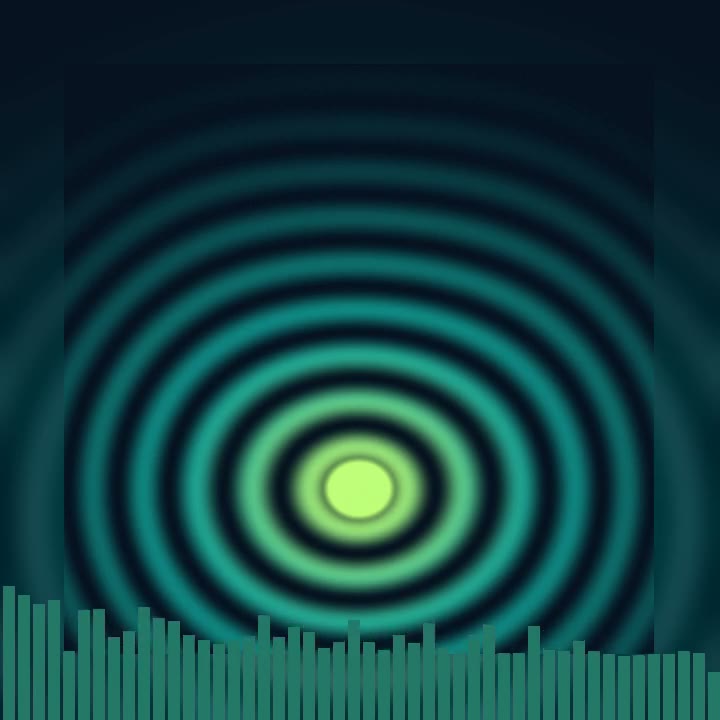
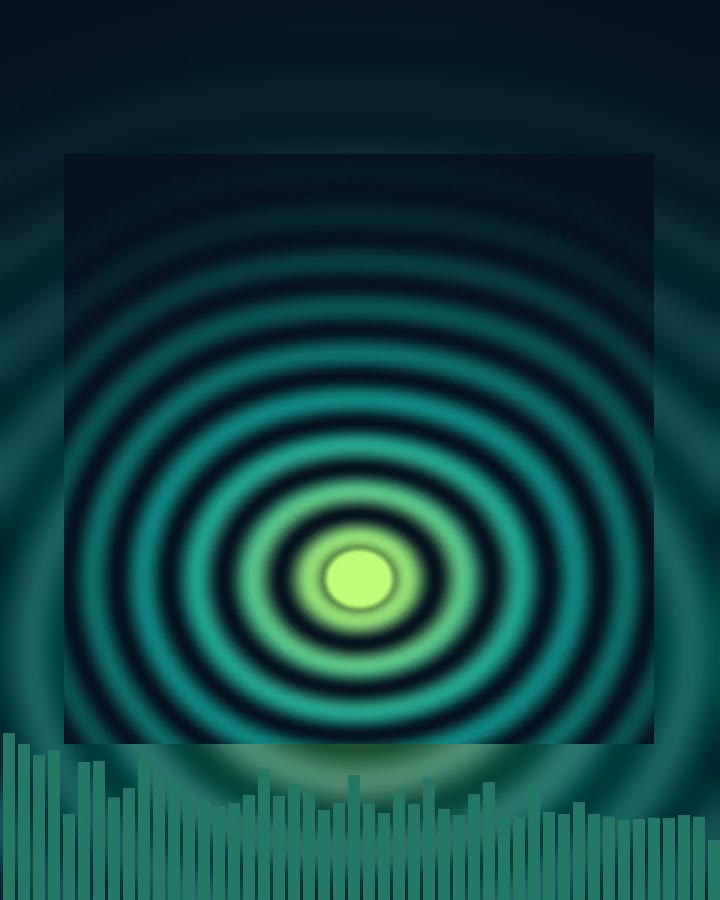
Pick from drawn preview cards, take the colour straight from the cover, and blend in a gradient. Every frame below came out of Spinclip.
The classic spectrum: 16 to 160 bars, or Auto.
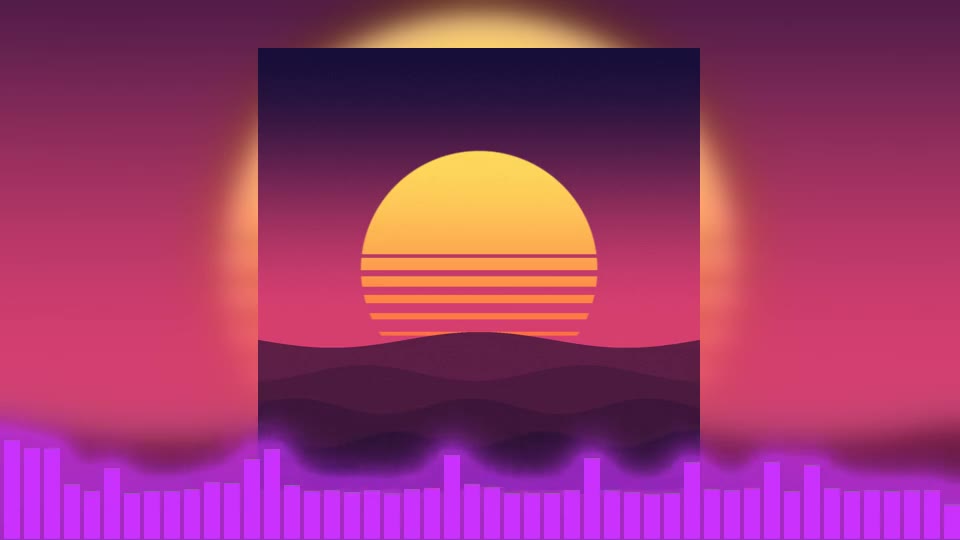
Bars with a soft glow spilling onto the artwork.
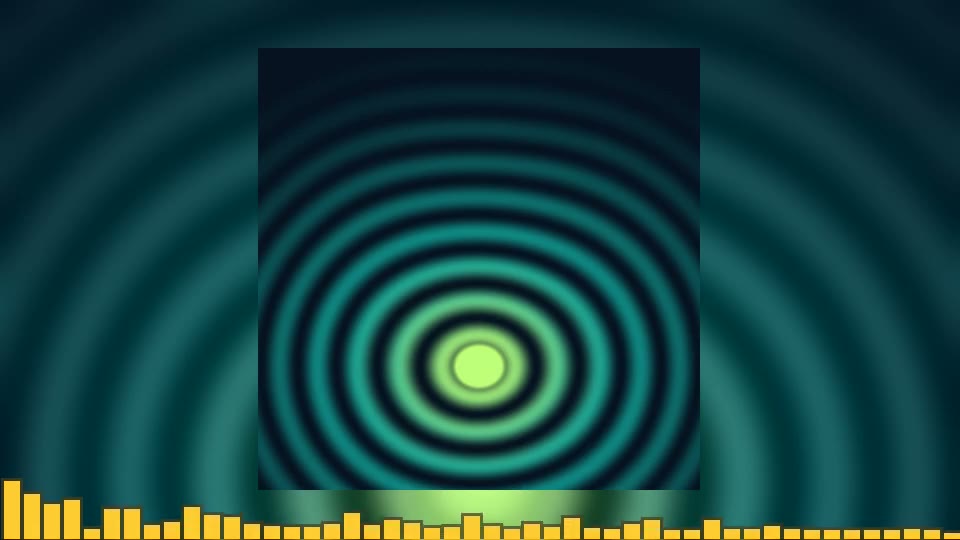
Chunky bars with a darker outline.
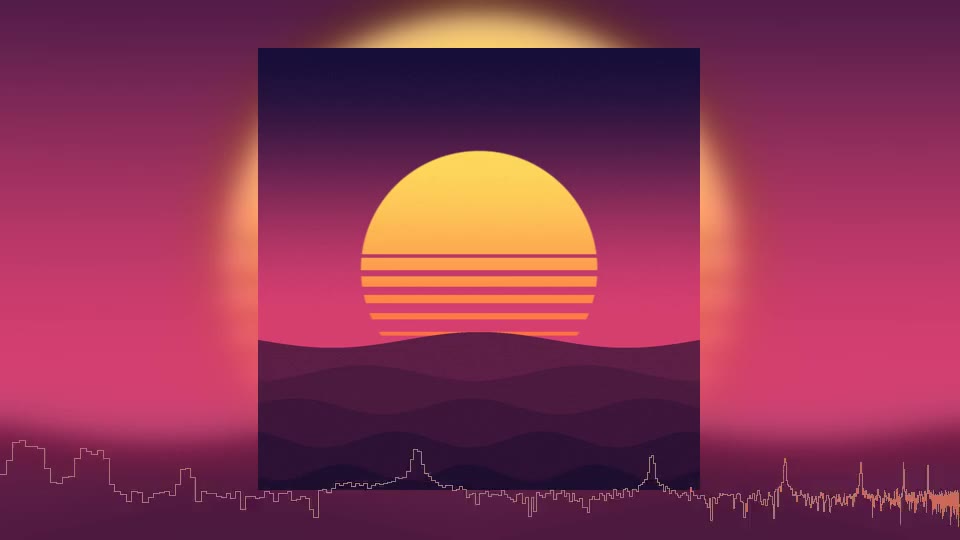
A single bright line tracing the frequencies.
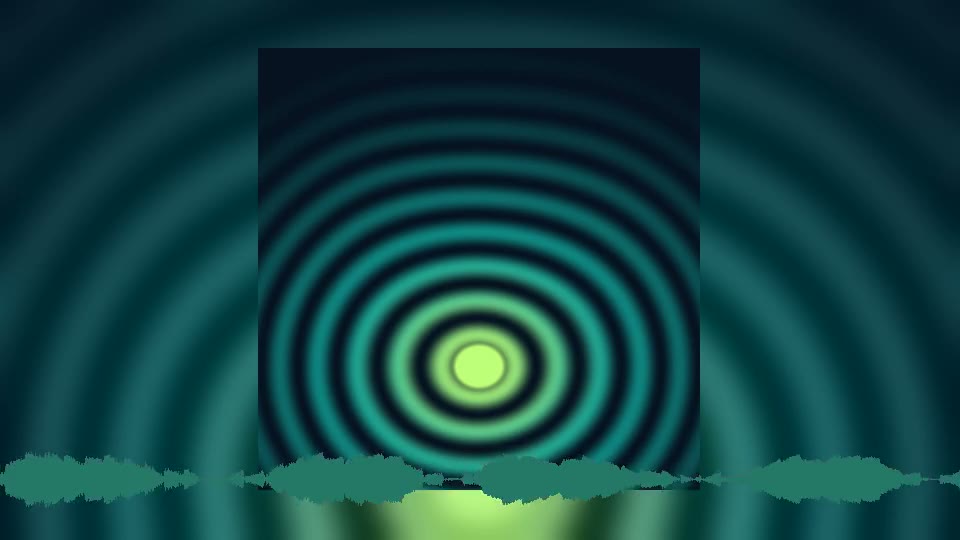
The waveform itself, mirrored around a centre line.
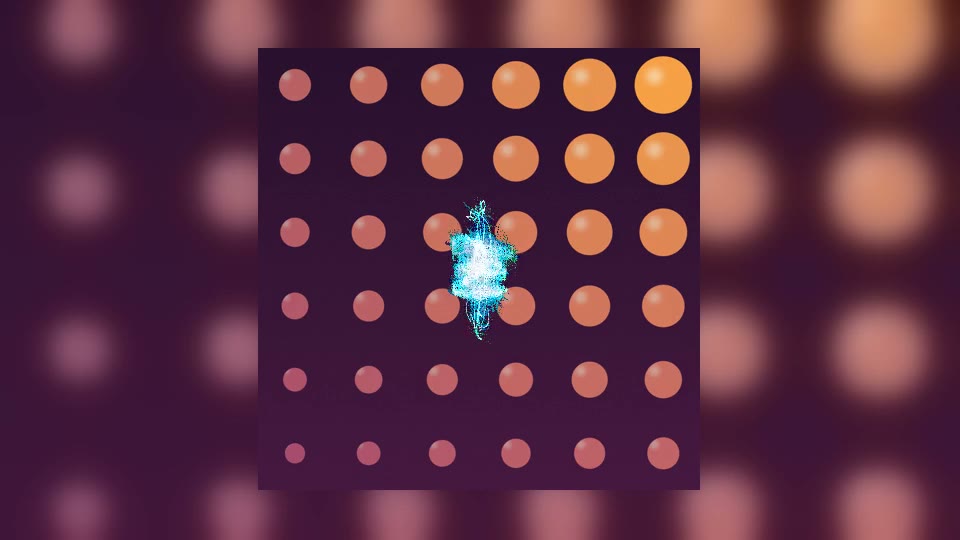
The stereo image, drawn as a vector scope.
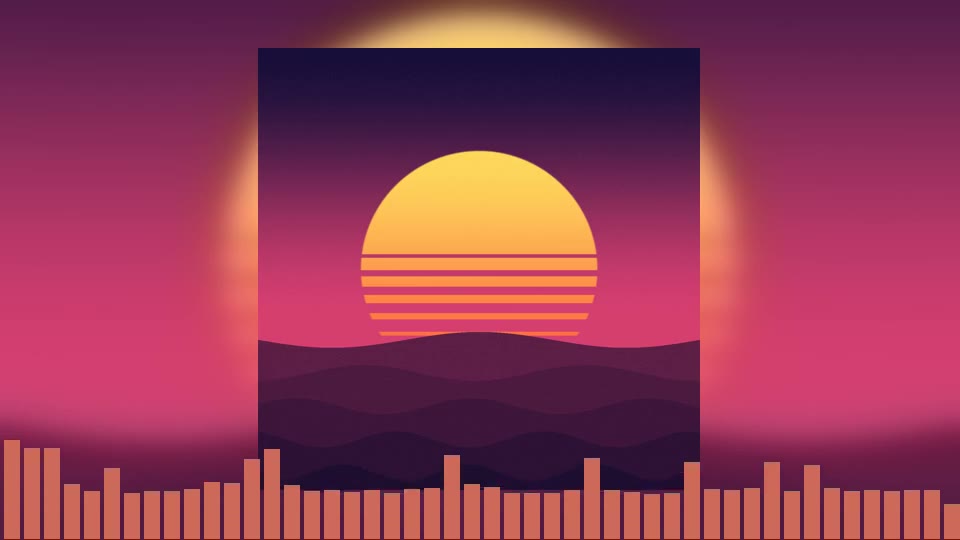
Along the bottom edge, under the cover.
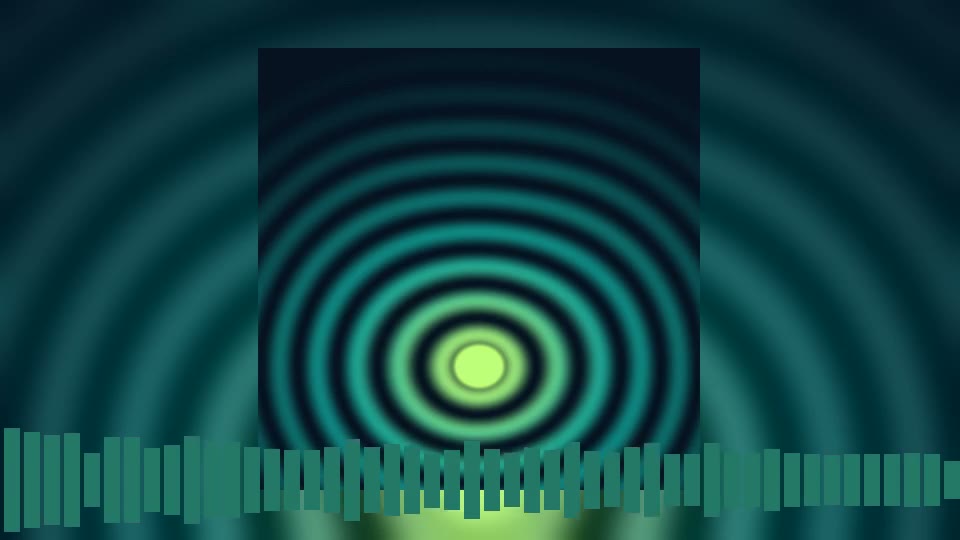
Reflected up and down from a line near the bottom.
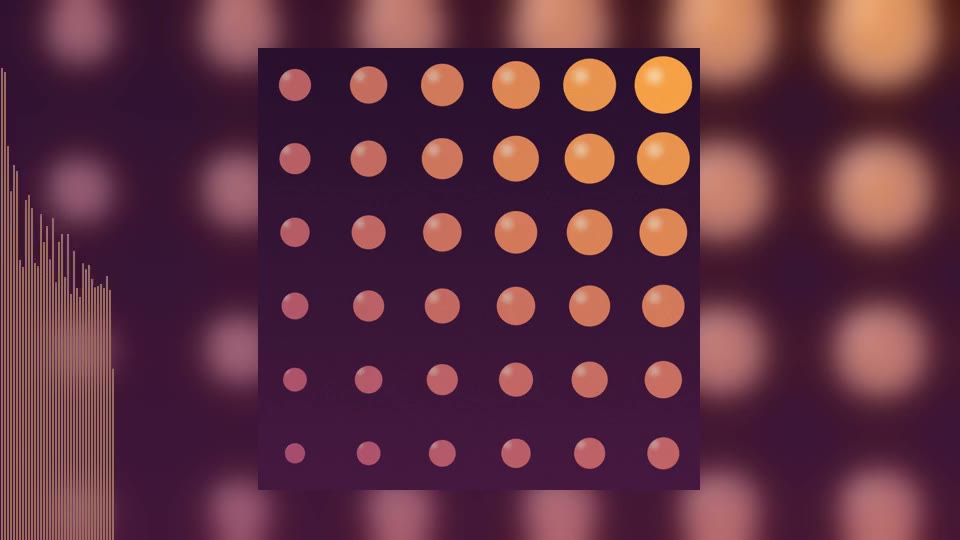
Rising up the left edge of the frame.
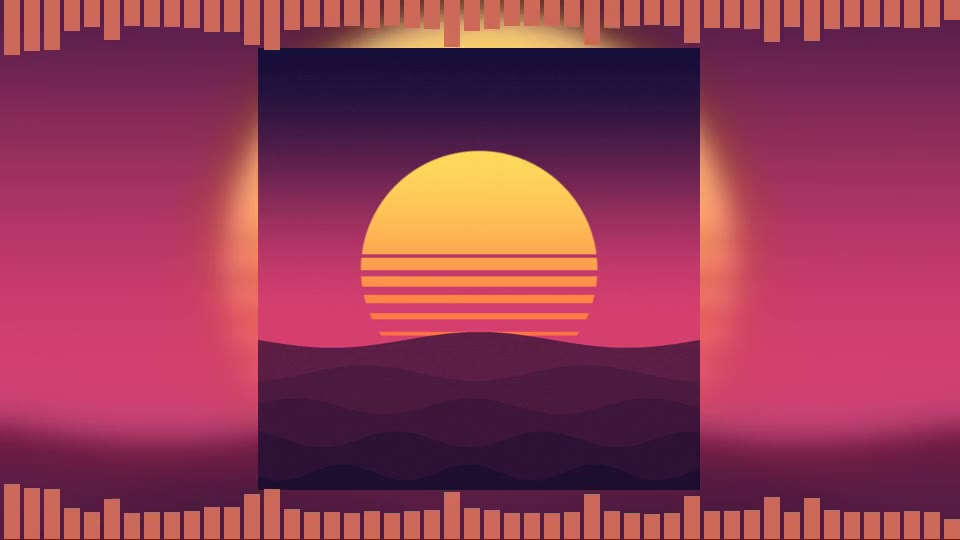
Top and bottom edges at once.
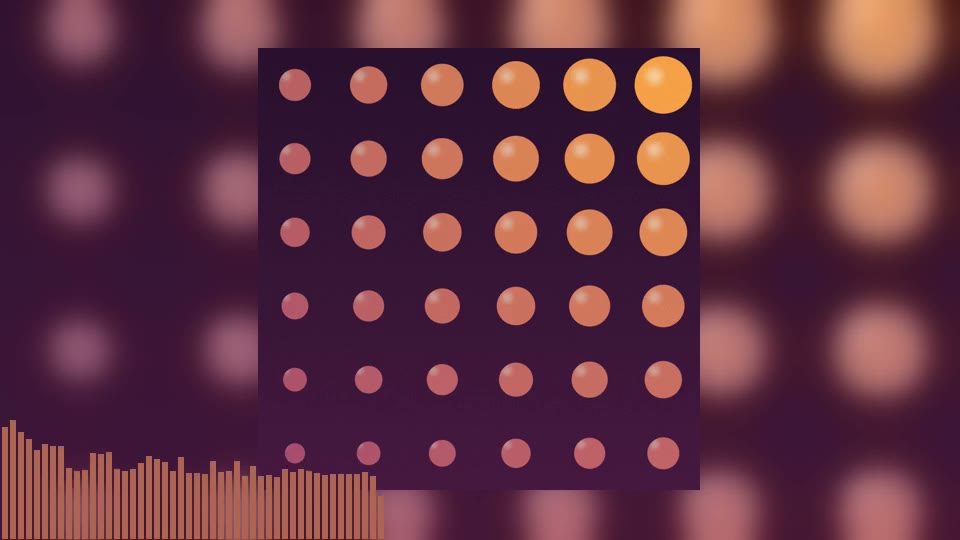
A compact meter in the bottom corner.
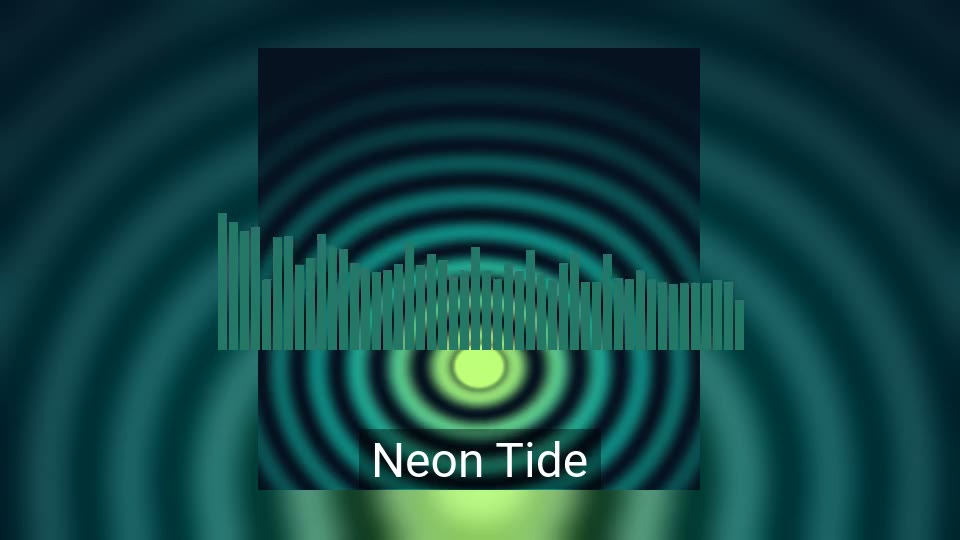
In the middle of the frame, behind your title.
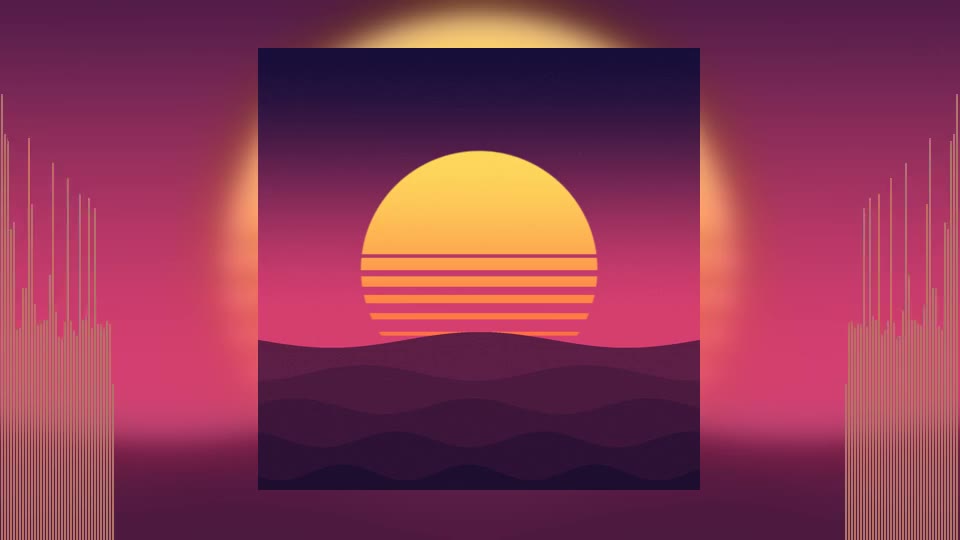
Columns on both sides of the cover.
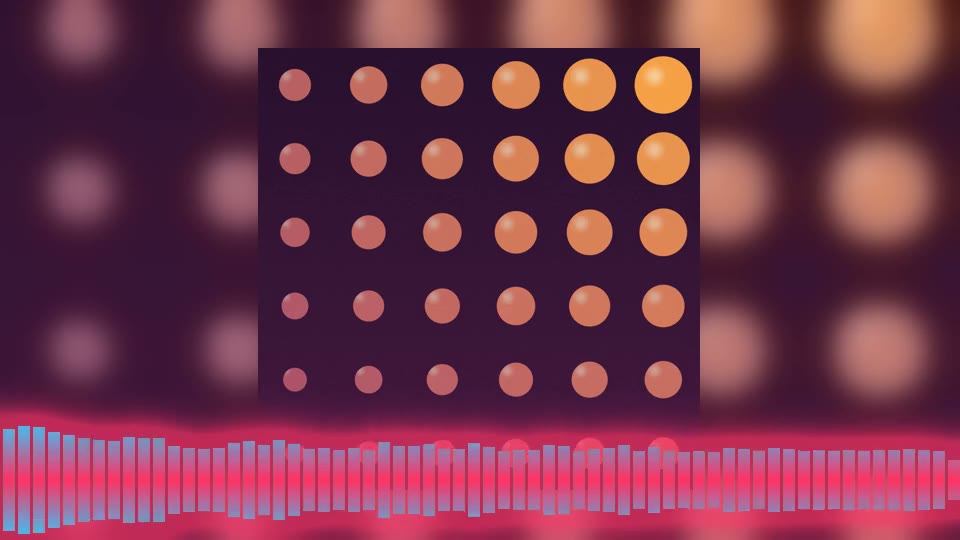
Blend from the edge into a second colour at the bar tips.
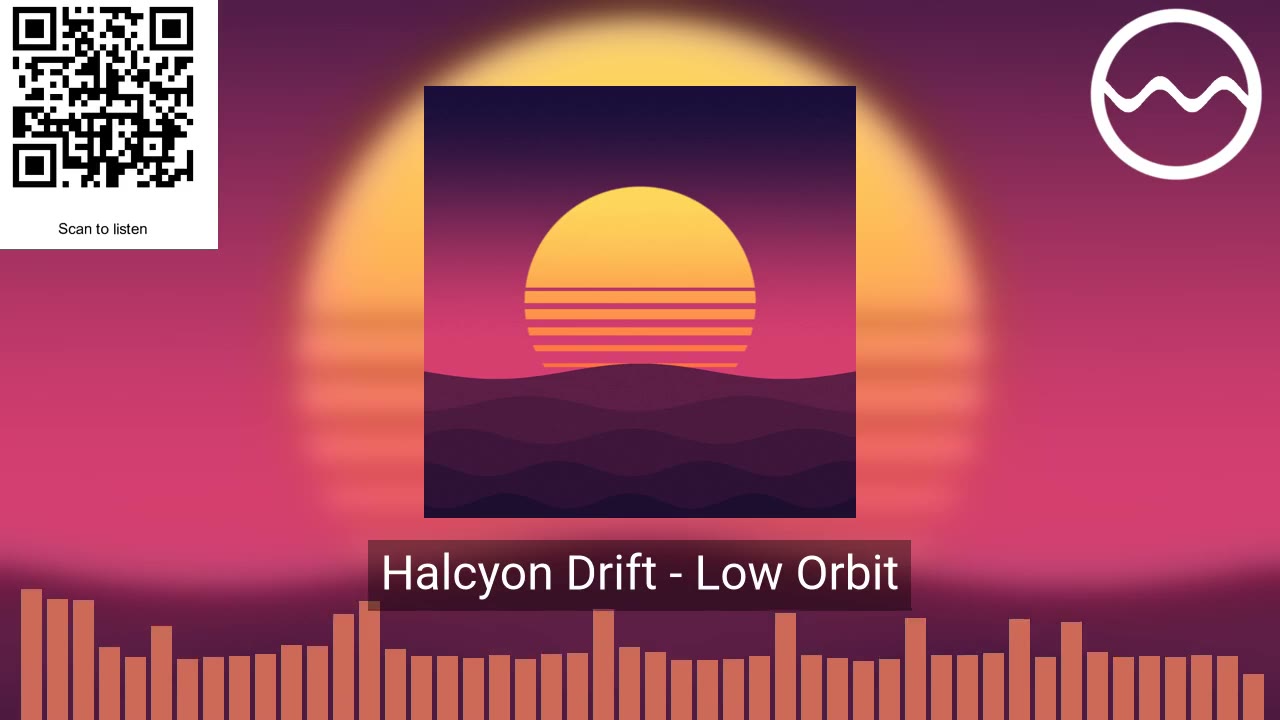
Your label’s mark, the song’s name and a code that opens the release.
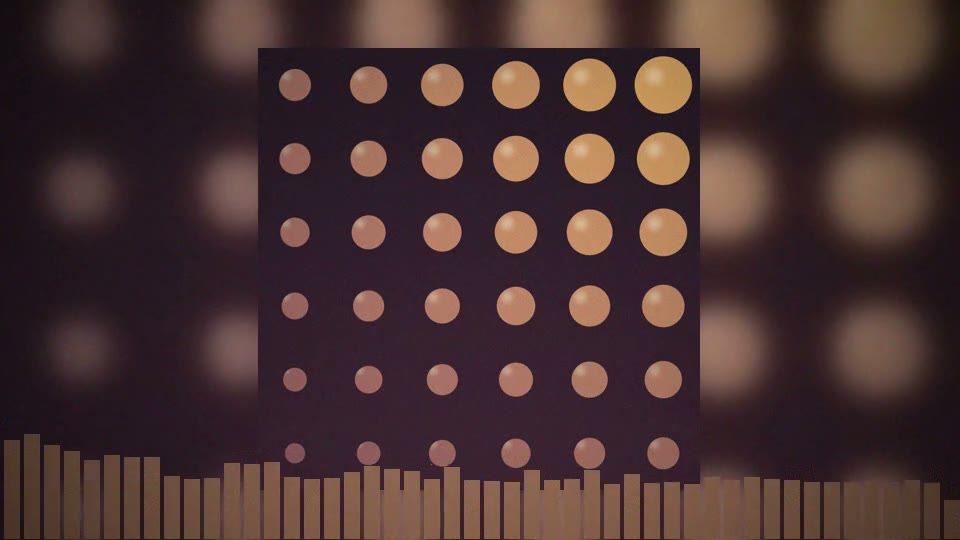
A warm tone, soft vignette and light film grain.
The preview beside every step is a frame of the real video, from the same FFmpeg pipeline the export uses — not a mock-up. Change a colour, move the logo, switch a platform: it updates.
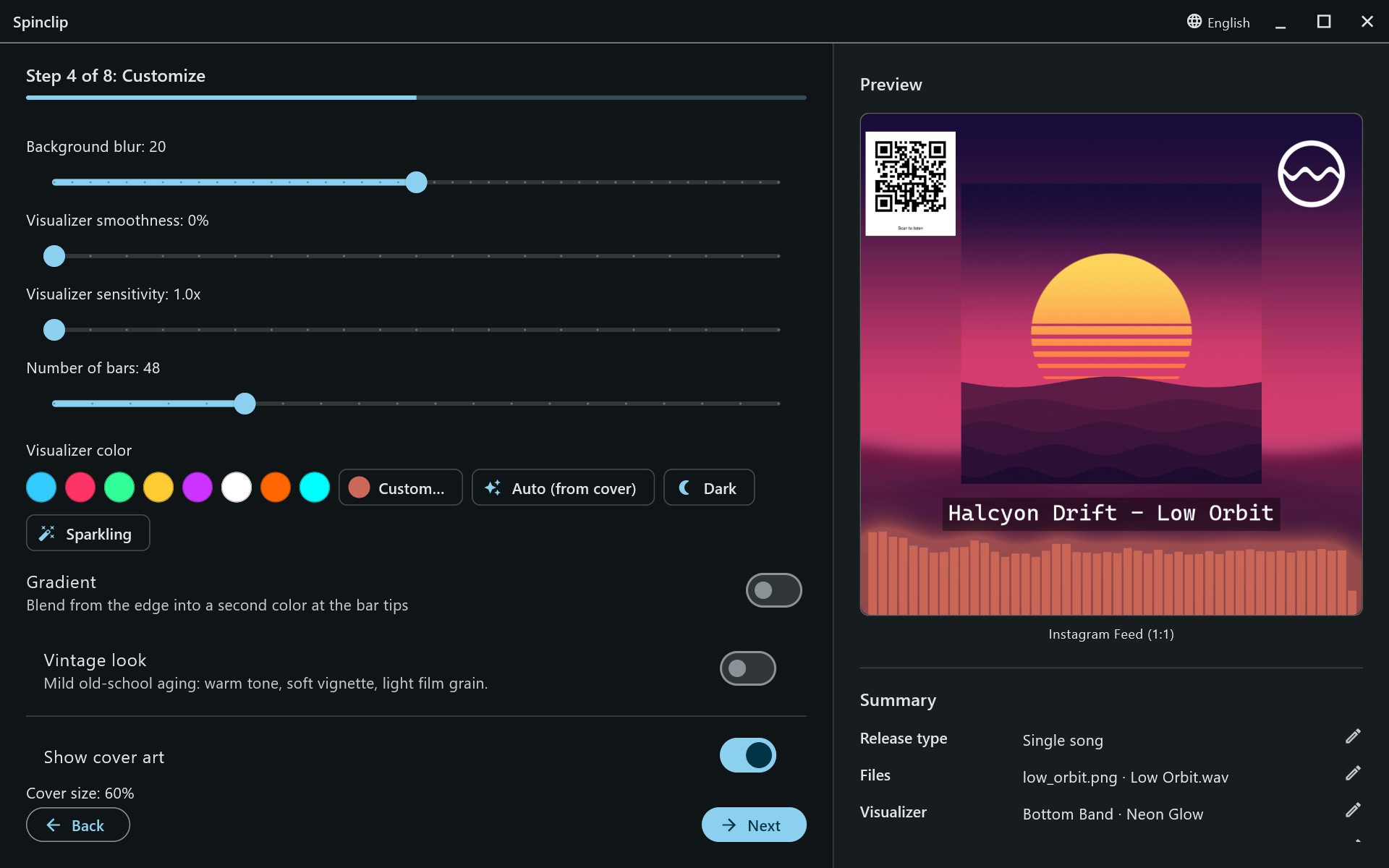
Placements and styles are cards drawn in your colour, so you can tell them apart at a glance — and the preview shows the one you picked on your own artwork.
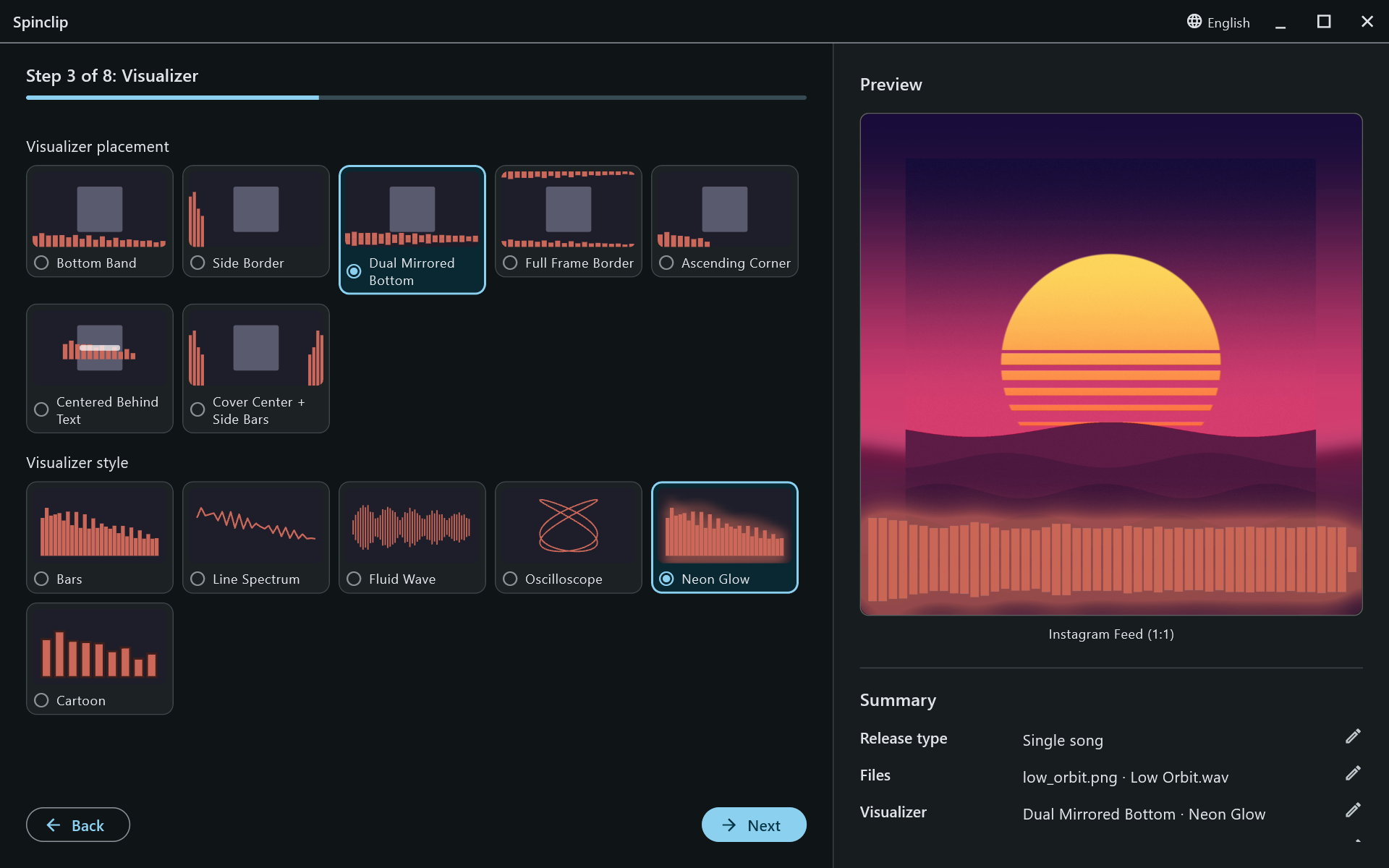
Singles, EPs and albums, with the same look on every video.
Add every song of the release: each one gets its own video for every platform, and each can bring its own cover.
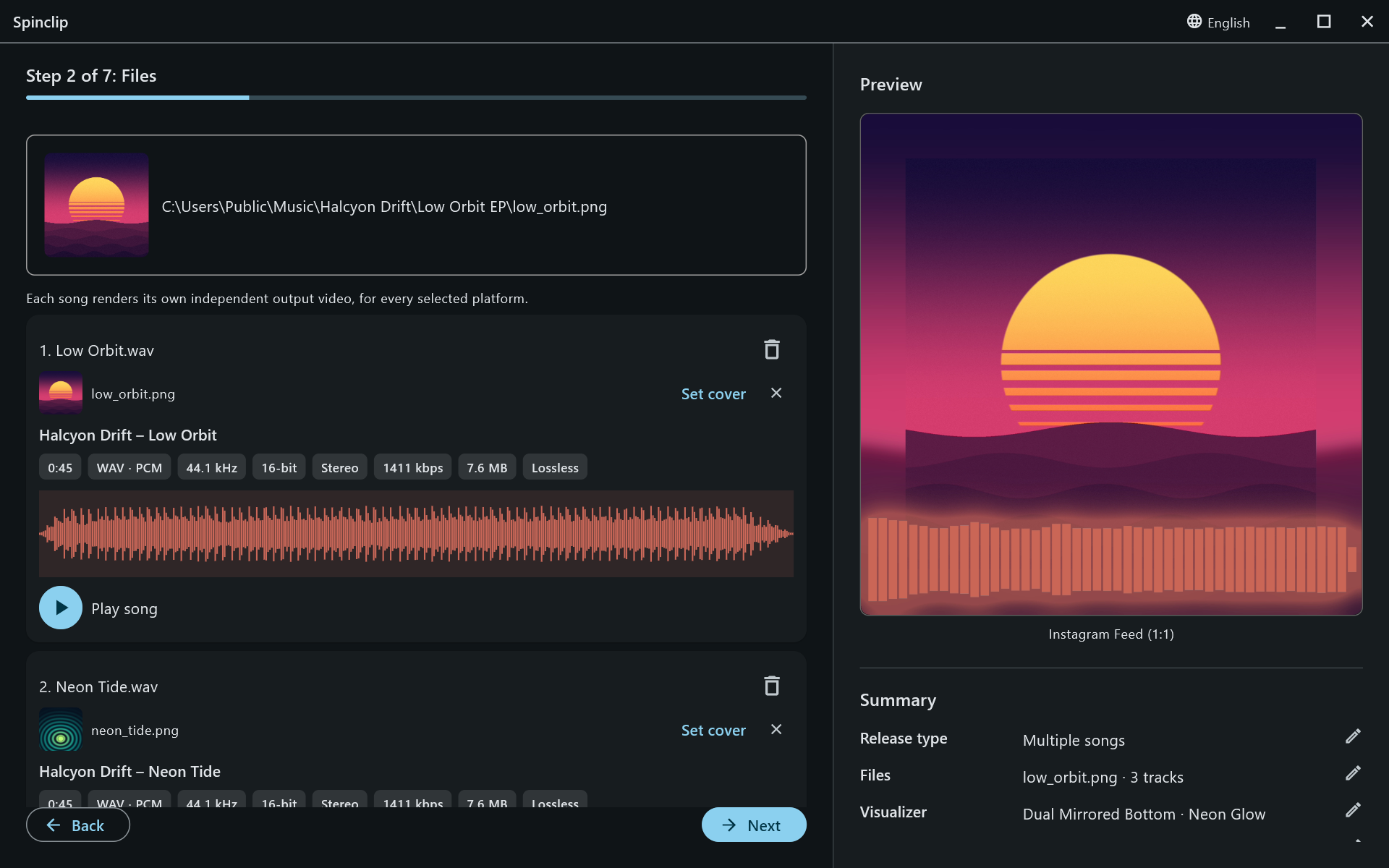
No account, no upload, no watermark, no queue. FFmpeg comes bundled on Windows and macOS.
Pick an excerpt of each song: they play back to back as one combined video per platform.
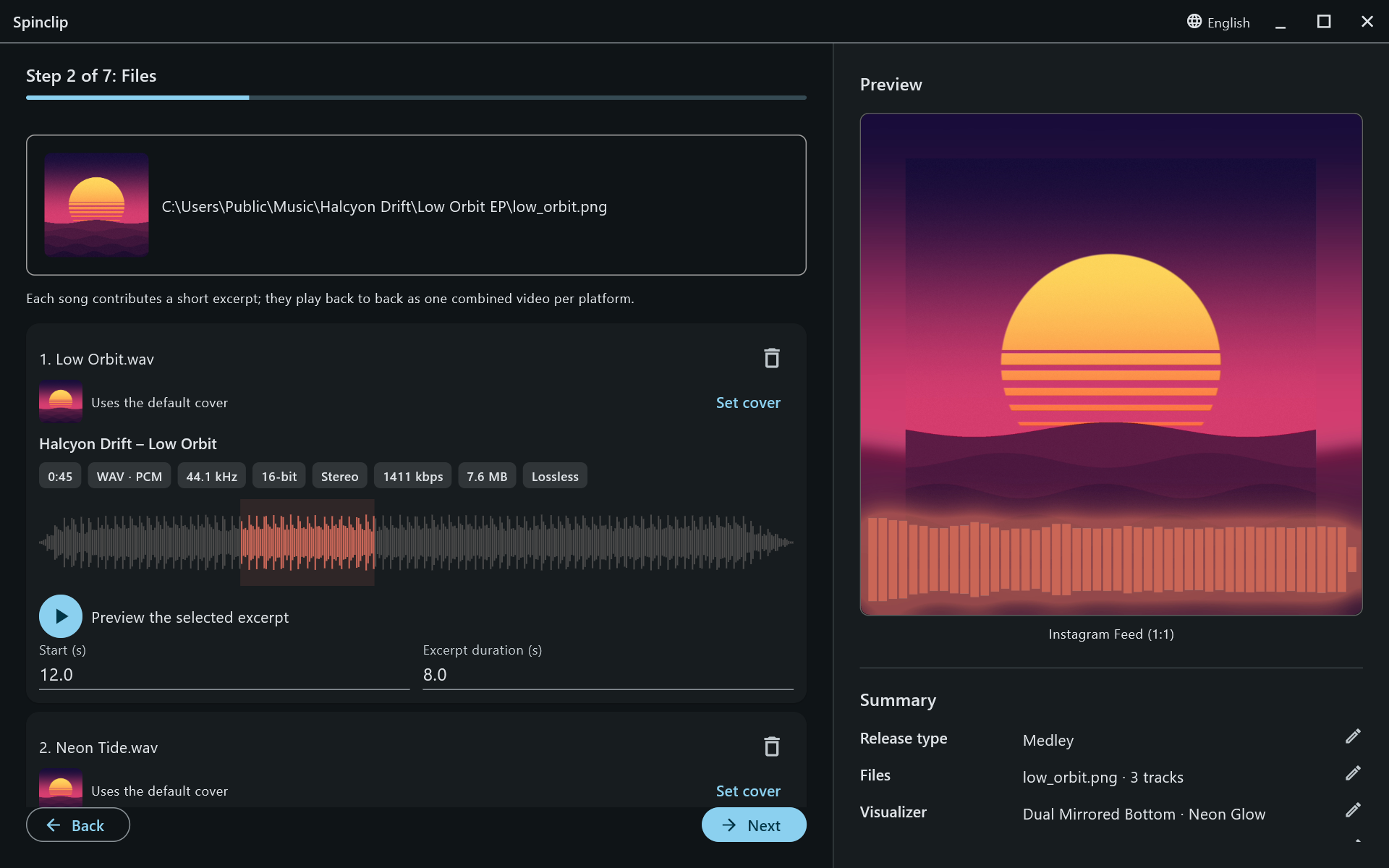
Render the full track, or drag the range to the part that sells it — and play the excerpt before you commit.
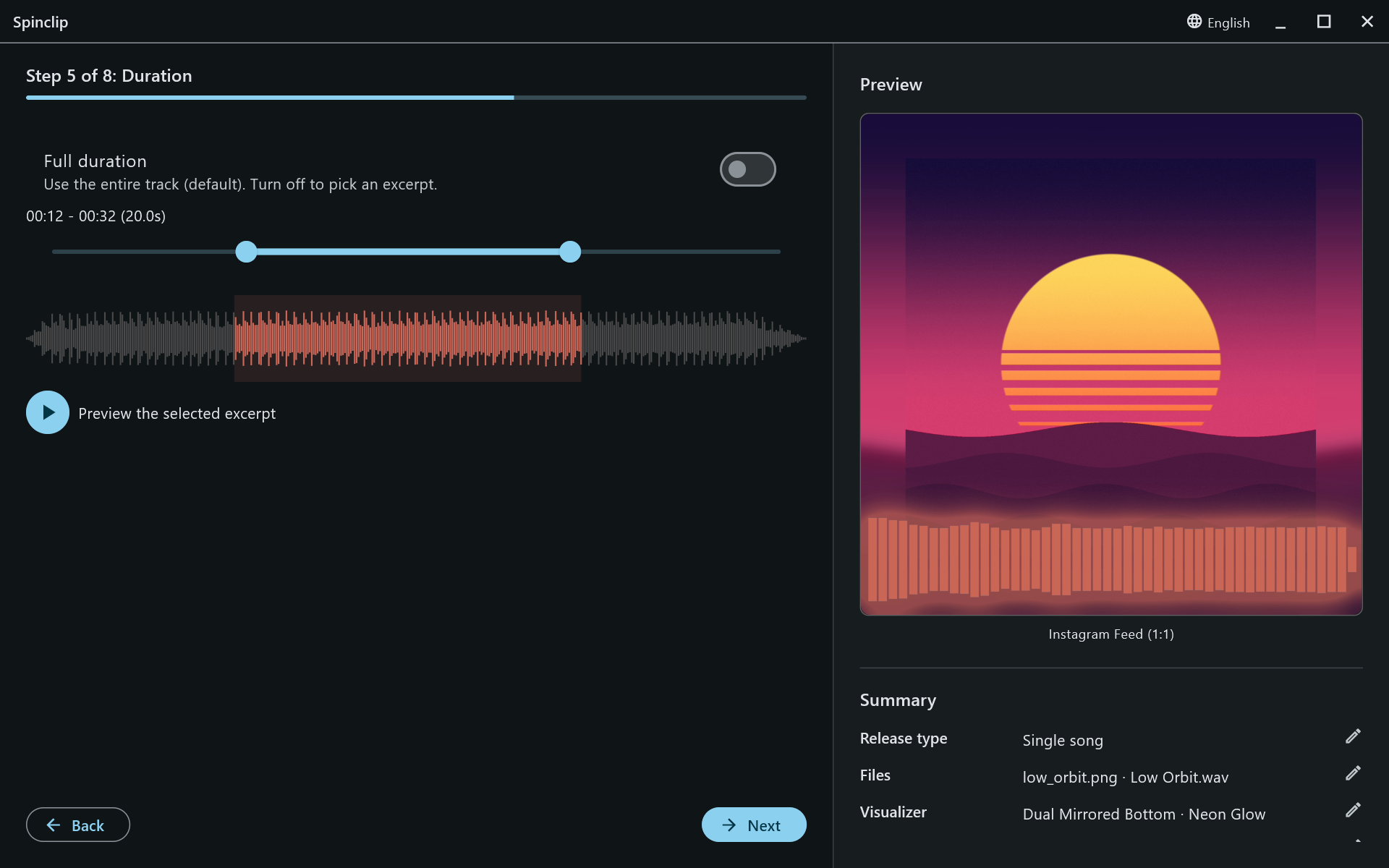
Save the style as a template and load it on the next release: same colours, overlays and platforms, new cover and song.
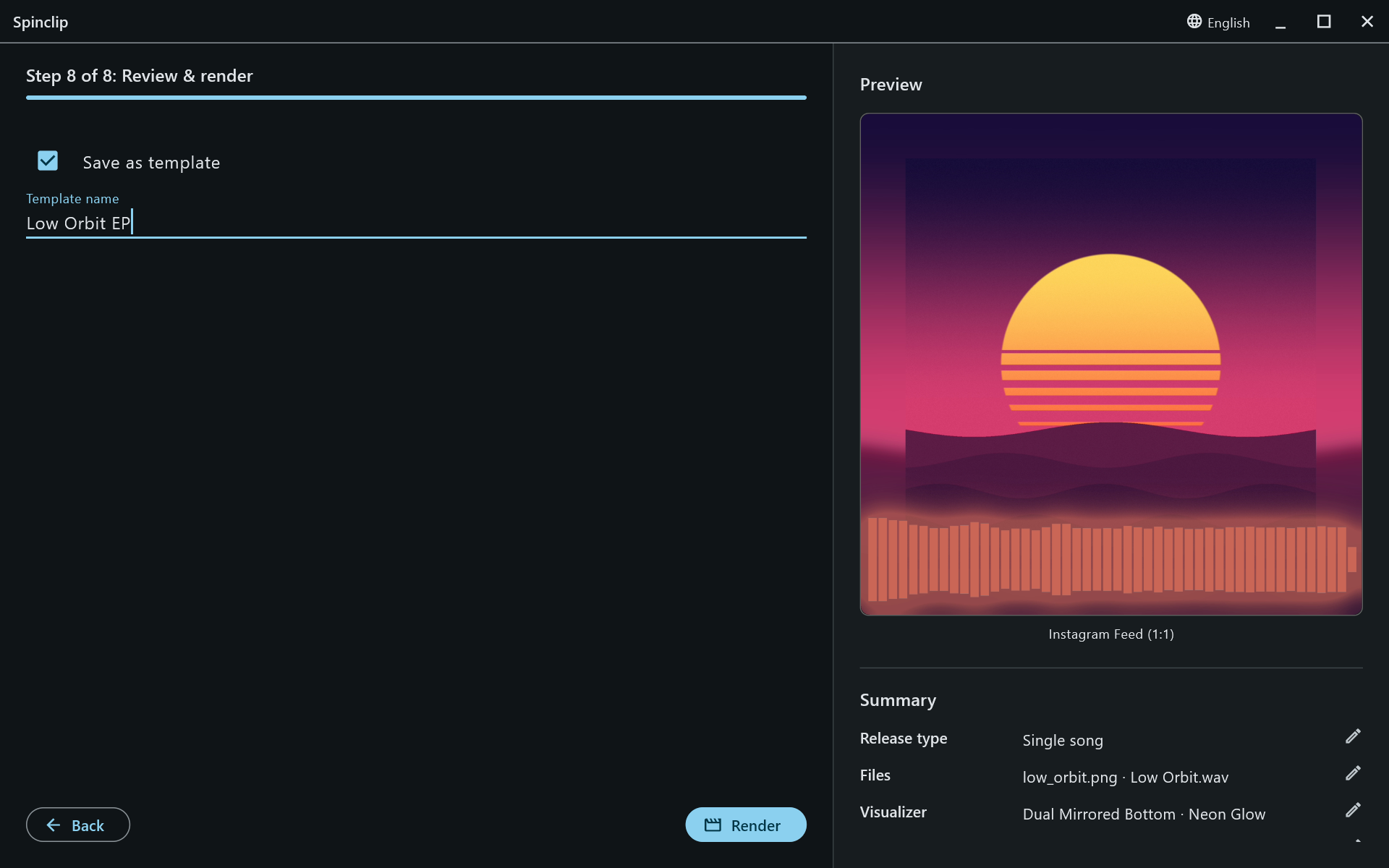
GPU encoding (NVENC, Quick Sync, AMF) with a software fallback, and uncompressed PCM audio by default.
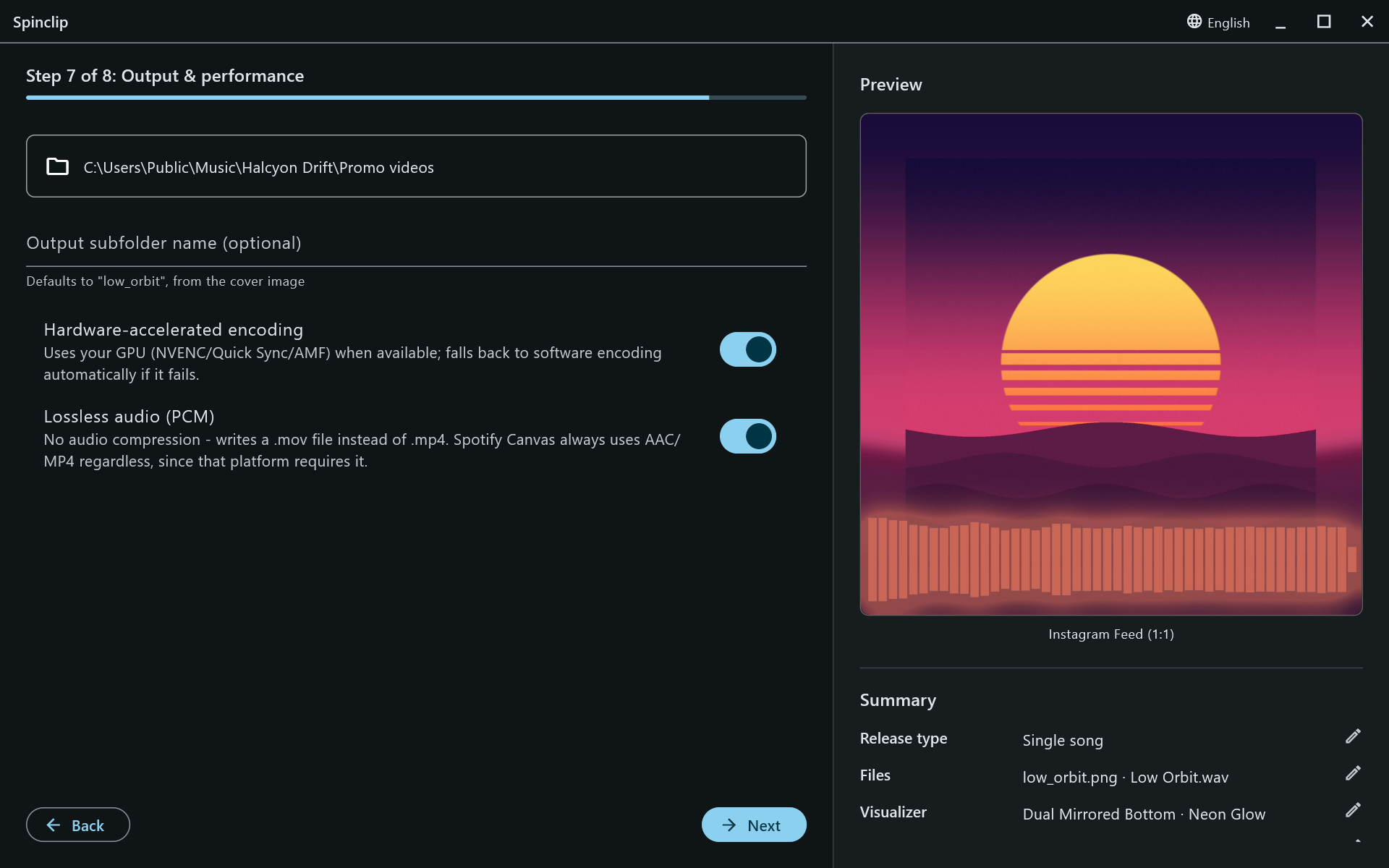
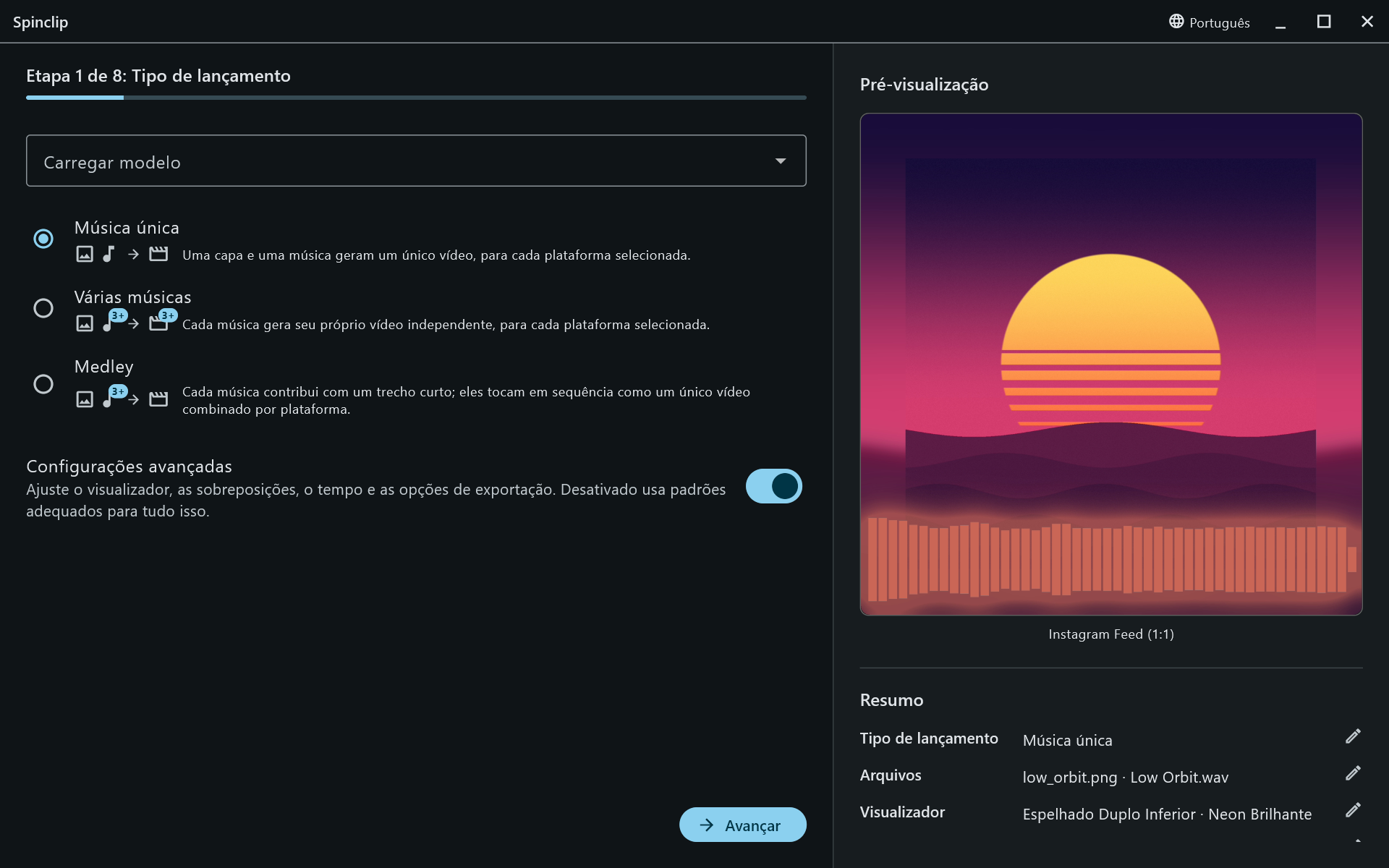
Switch from the title bar, or follow the system’s language.
Every step is explained in the user guide.
Free, for Windows, macOS and Linux.
Windows 10 or later, 64-bit
Download the installerNot code-signed yet: Windows may say Windows protected your PC — choose More info → Run anyway.
macOS 10.15 or later
Download for Mac (.zip)Not notarized by Apple yet: the first time, open it from System Settings → Privacy & Security → Open Anyway. On Apple silicon, macOS may offer to install Rosetta for the bundled FFmpeg.
64-bit, with FFmpeg installed
Download .tar.gzSpinclip uses your system’s FFmpeg on Linux: install it first, e.g. sudo apt install ffmpeg.
Every release and its checksums are on GitHub. Need a hand? Start with the installation guide.