
Customize
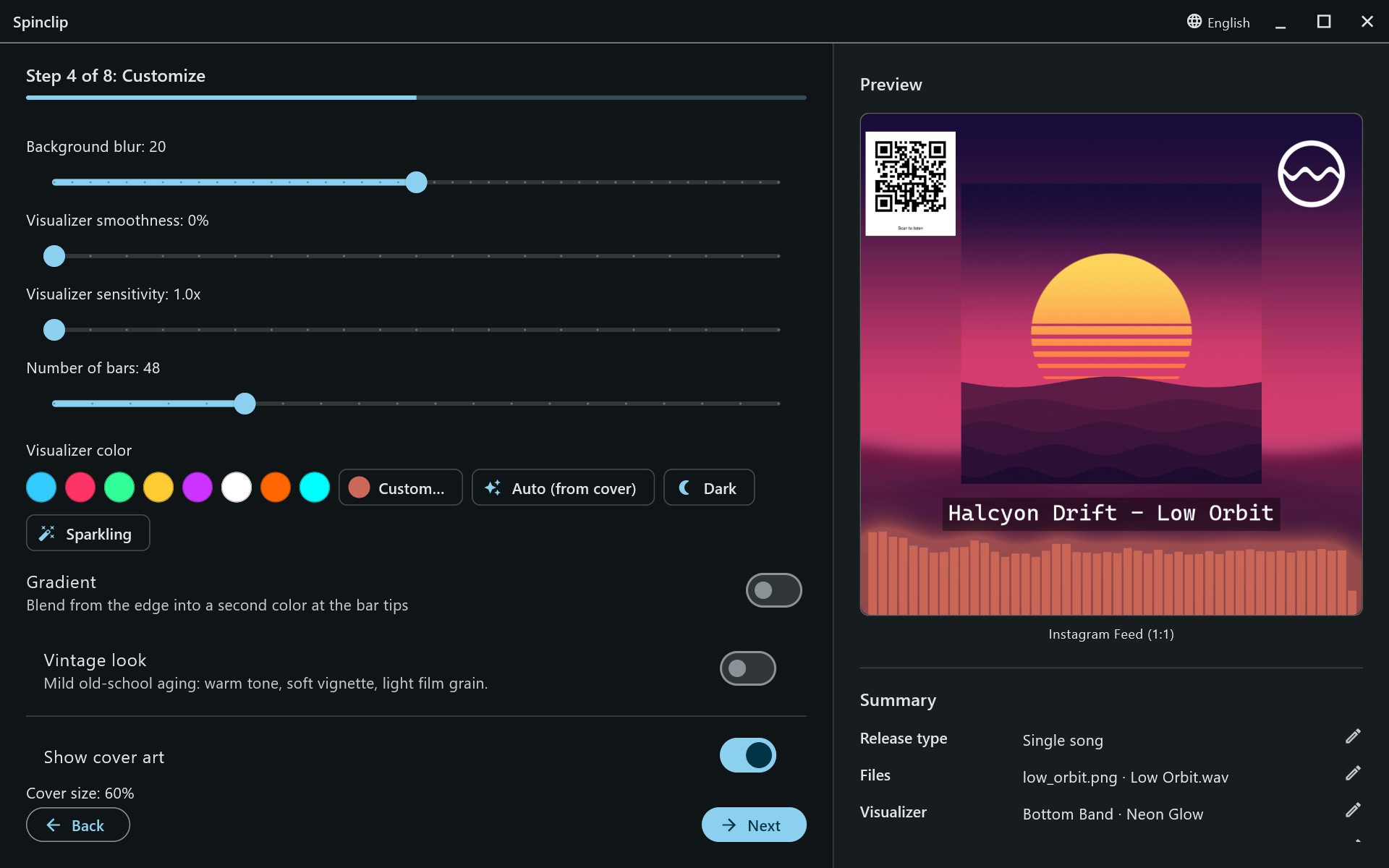
An Advanced settings step: everything about the look beyond the visualizer’s placement and style. The preview updates as you go.
The visualizer
Section titled “The visualizer”- Background blur (0–40): how soft the stretched copy of the cover behind everything is. 20 by default.
- Visualizer smoothness (0–100%): how much the bars are averaged over time. 0% bounces fastest; higher is calmer.
- Visualizer sensitivity (1–3×): zooms in on the loudness range, so quiet music reaches higher.
- Number of bars: Auto, or 16 to 160 in steps of 8. 48 by default.
Colour
Section titled “Colour”- Swatches for eight ready colours, and Custom… for any colour: a saturation and brightness square, a hue strip and a hex field.
- Auto (from cover) picks the cover’s most striking colour.
- Dark (a deep purple) and Sparkling (gold) are one-click moods.
- Gradient blends from the edge of the frame into a second tip colour at the end of each bar (for the Fluid Wave: edge, centre, edge).
Vintage look
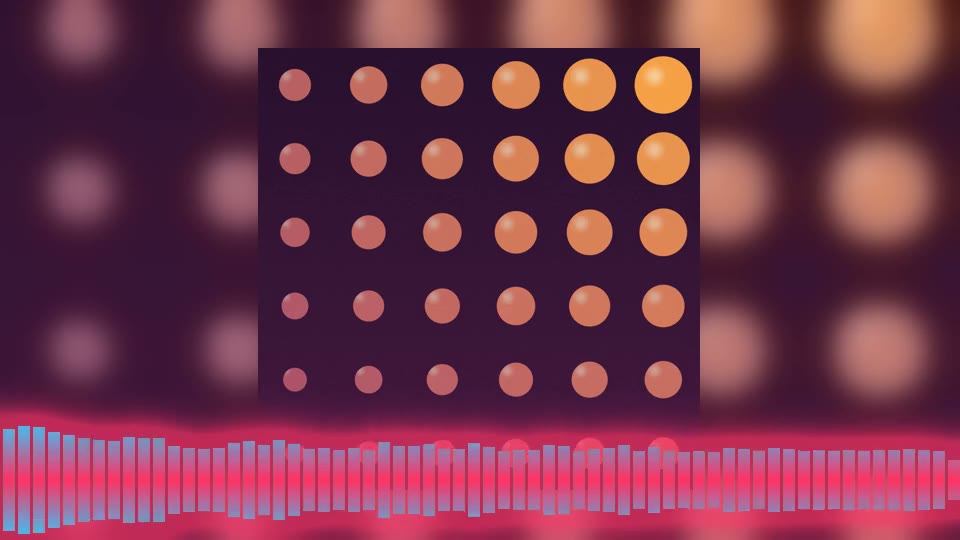
Section titled “Vintage look”A mild old-school aging over the whole frame: a warm tone, a soft vignette and light film grain.
Cover art
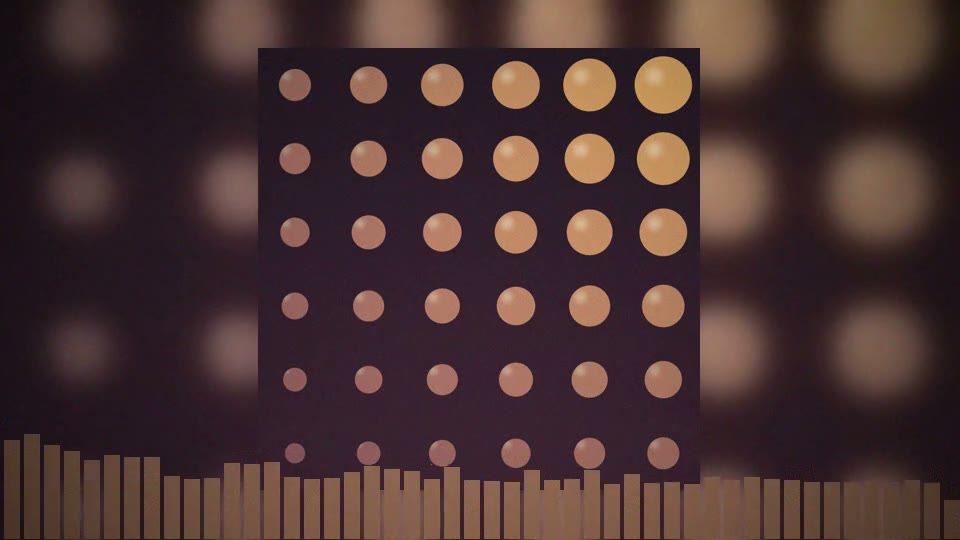
Section titled “Cover art”Show cover art draws the sharp cover over the background; Cover size sets it as a share of the frame’s shorter side (20–100%, 82% by default). Turn it off for a full-frame blurred look.
Logo, title and QR code
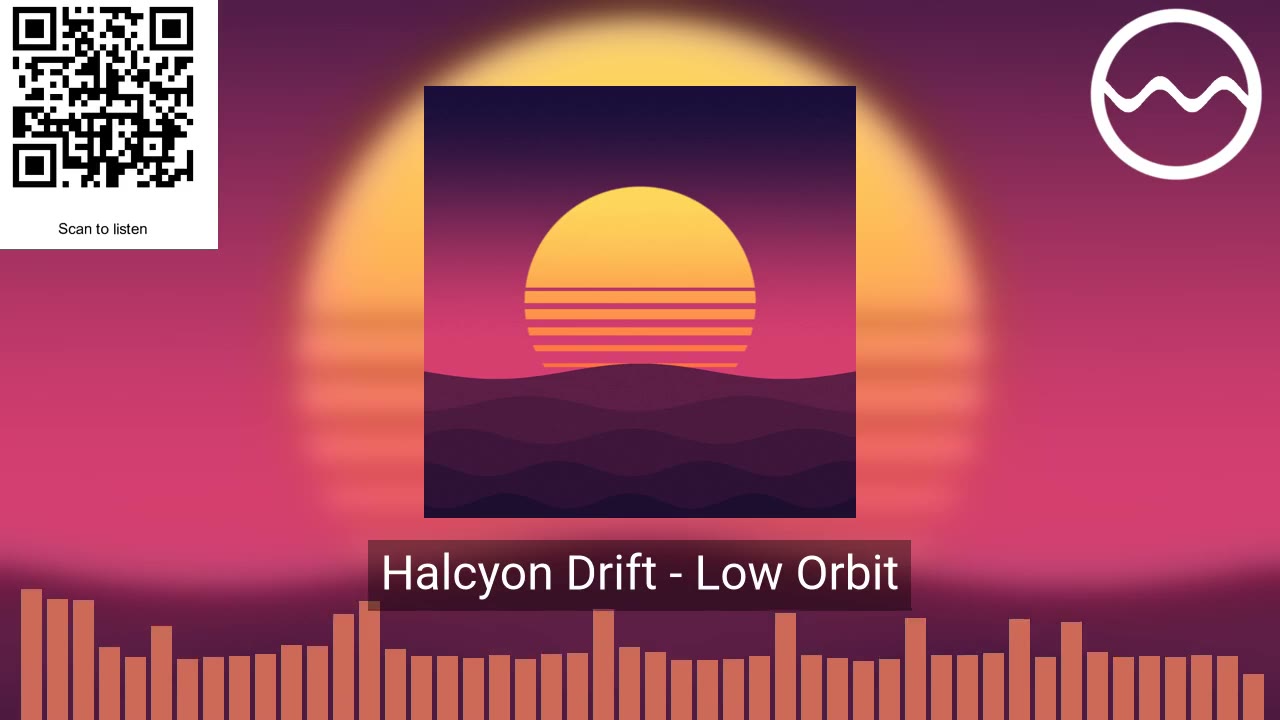
Section titled “Logo, title and QR code”- Show logo: pick a PNG (transparency is kept) — your label’s mark, say.
- Show text overlay: a line of text, such as the artist and title.
- Show QR code: a code that opens a link of your choice, like the release’s streaming page, with an optional caption below or above it (“Scan to listen”).
Position & rotate
Section titled “Position & rotate”At the bottom of the step, a canvas in the shape of the first selected platform holds a handle for the cover, the logo, the text and the QR code. Drag a handle to move it; tap the logo or QR code to rotate it. Reset positions puts everything back.
Fade in and Fade out (0–10 seconds) fade the picture and the sound together at the start and end of each video.