
Review & render
The last step. The Summary on the right lists every choice — release type, files, visualizer, customizations, duration, platforms and output — and each row’s pencil jumps back to the step that sets it, turning on Advanced settings if it has to.
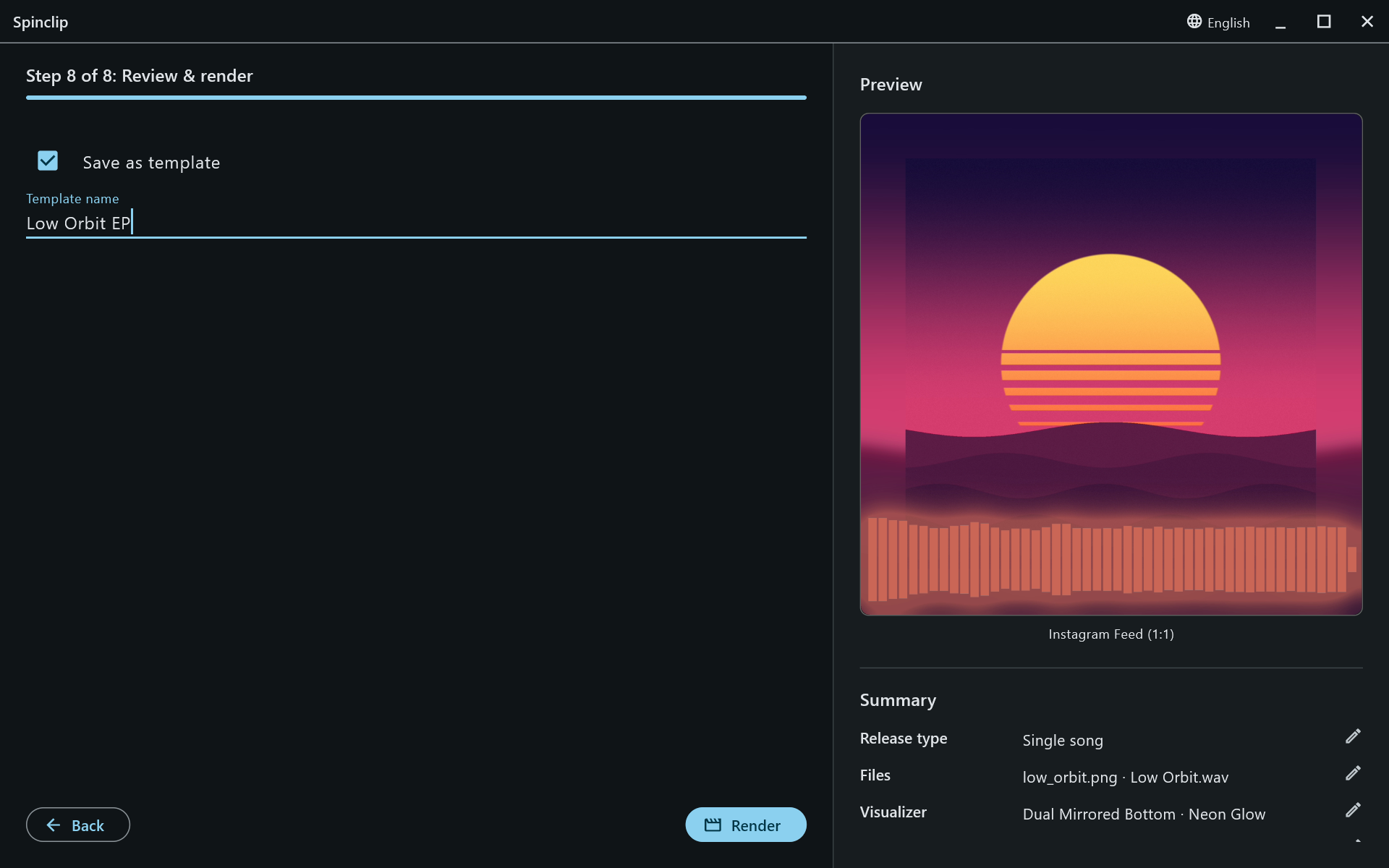
Save as template
Section titled “Save as template”Tick Save as template and give it a name to keep this look for the next release. It’s saved when you press Render. See Templates.
Render
Section titled “Render”Render starts. The progress bar shows which video is being made — [1/4] Instagram Feed: 42% — and Cancel stops the render.
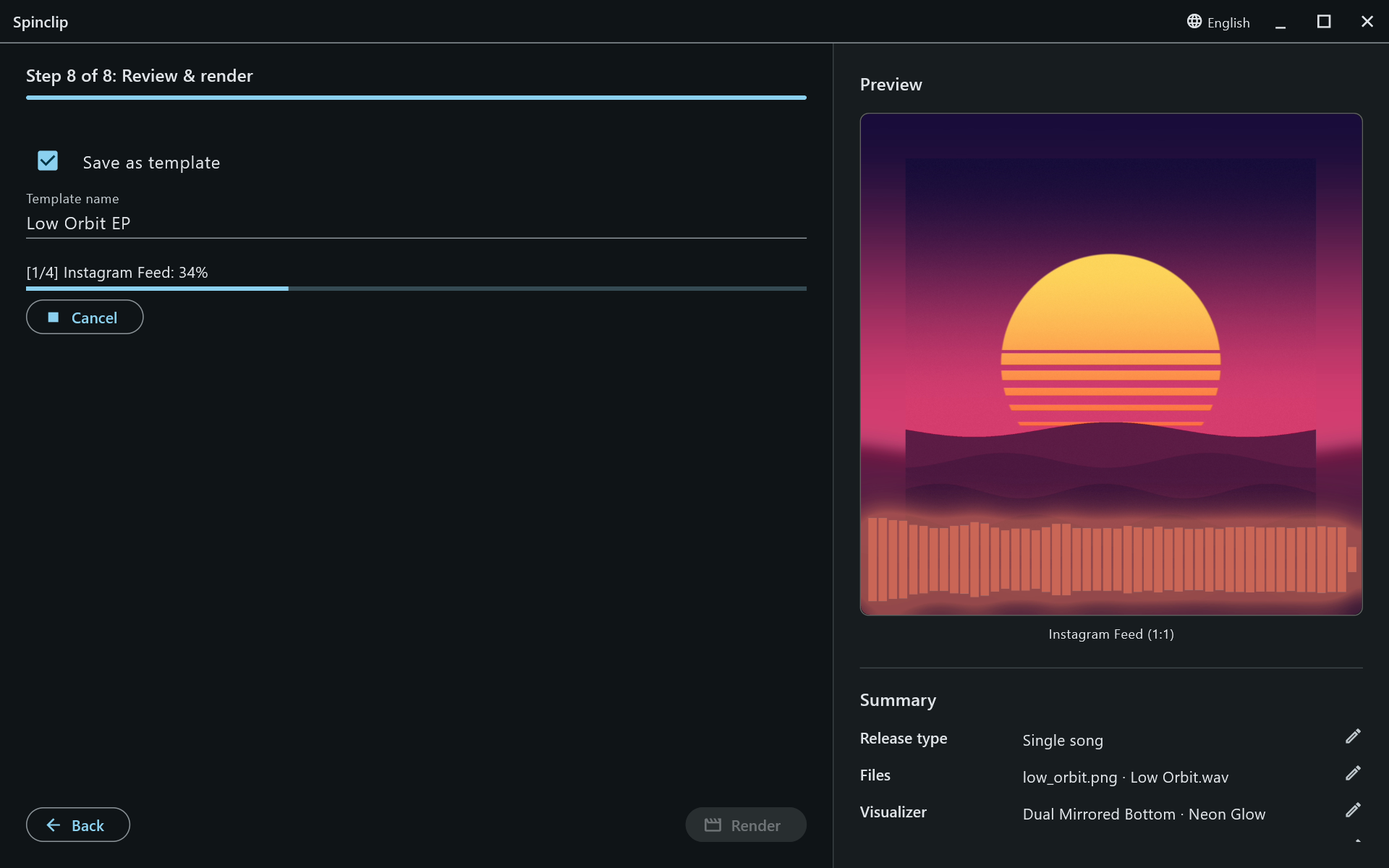
When it’s finished, Spinclip says where the videos were saved, and Open folder shows them.
How long it takes depends on the song’s length, the number of platforms and your computer — see A render is slow.