
Output & performance
An Advanced settings step. With it off, everything here keeps its default.
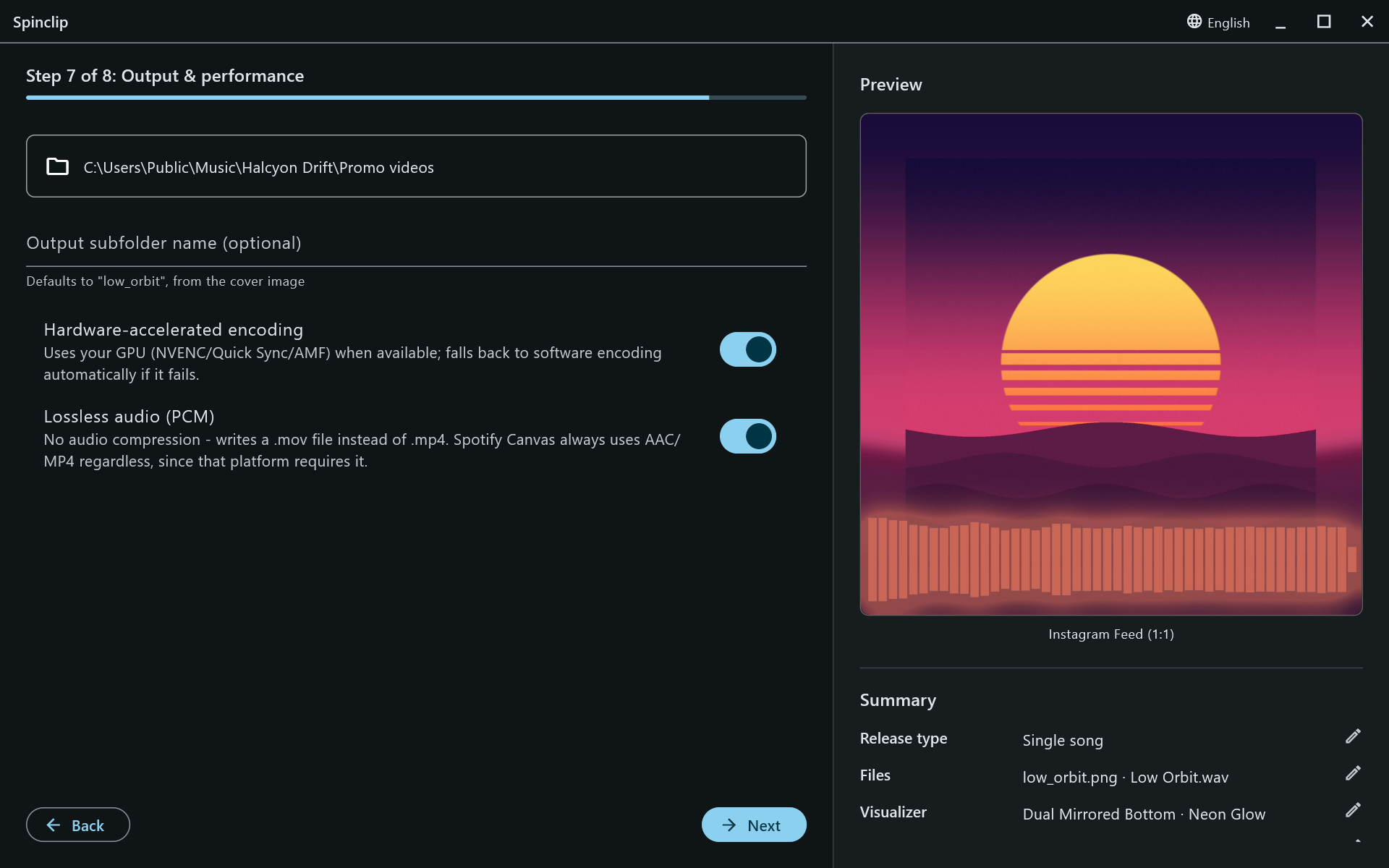
Output folder
Section titled “Output folder”Videos go to Documents/Spinclip unless you pick another folder. Inside it, each release gets a folder of its own, named after the cover image (low_orbit.png → low_orbit/), so two releases never overwrite each other. Type an Output subfolder name to call it something else.
If that folder already has videos from an earlier render, Spinclip asks before overwriting them.
The files are named after the platform:
| Release type | File names |
|---|---|
| Single song | output_youtube.mov, output_tiktok.mov, … |
| Multiple songs | output_youtube_<song>.mov, … — one per song and platform |
| Medley | medley_youtube.mov, … |
They’re .mp4 instead of .mov with lossless audio off — and always for Spotify Canvas.
Hardware-accelerated encoding
Section titled “Hardware-accelerated encoding”On by default. Spinclip encodes on your graphics card when it can — NVIDIA (NVENC), Intel (Quick Sync) or AMD (AMF) — which is much faster. If the GPU encoder isn’t there or fails, it falls back to software encoding on its own.
Lossless audio
Section titled “Lossless audio”On by default. The song goes into the video uncompressed (PCM), so it sounds exactly like your master — in a .mov file, since MP4 doesn’t carry PCM audio reliably. Turn it off for smaller .mp4 files with AAC audio. Platforms re-encode the sound when you upload either way; lossless means the first generation of compression is theirs, not Spinclip’s.