Skip to content

Visualizer

An Advanced settings step. Placements and styles are picked from cards drawn in your current colour; the preview shows the result on your artwork.
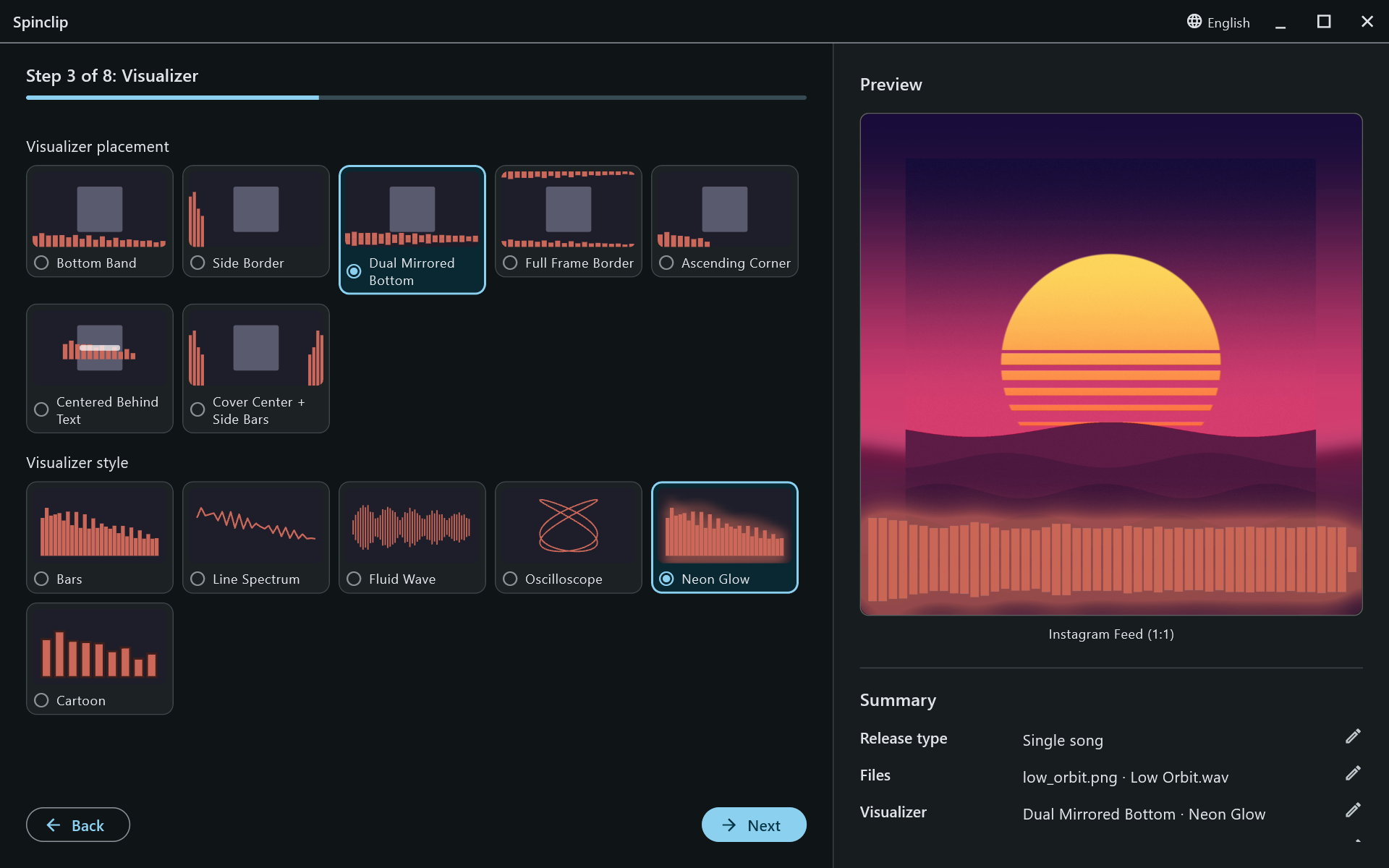
The Visualizer step

Where in the frame the visualizer goes.
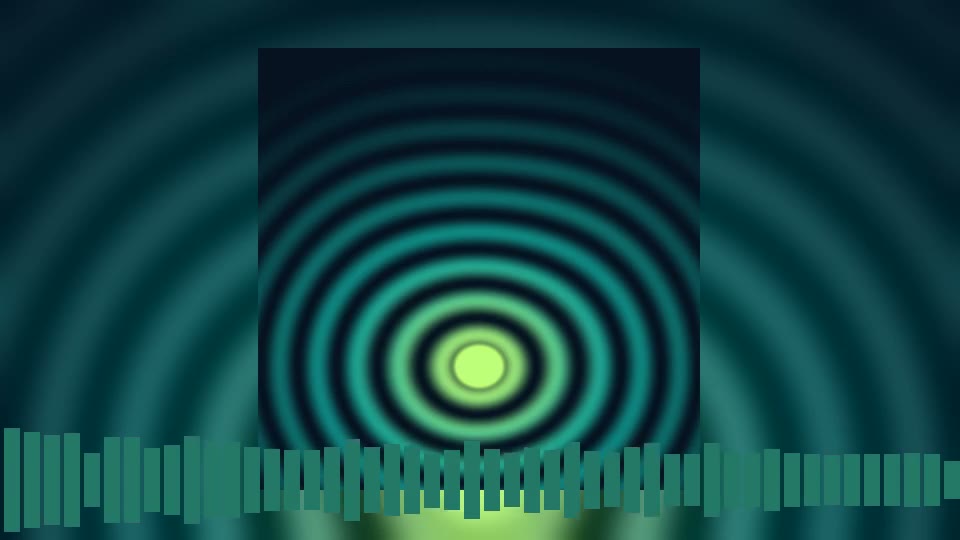
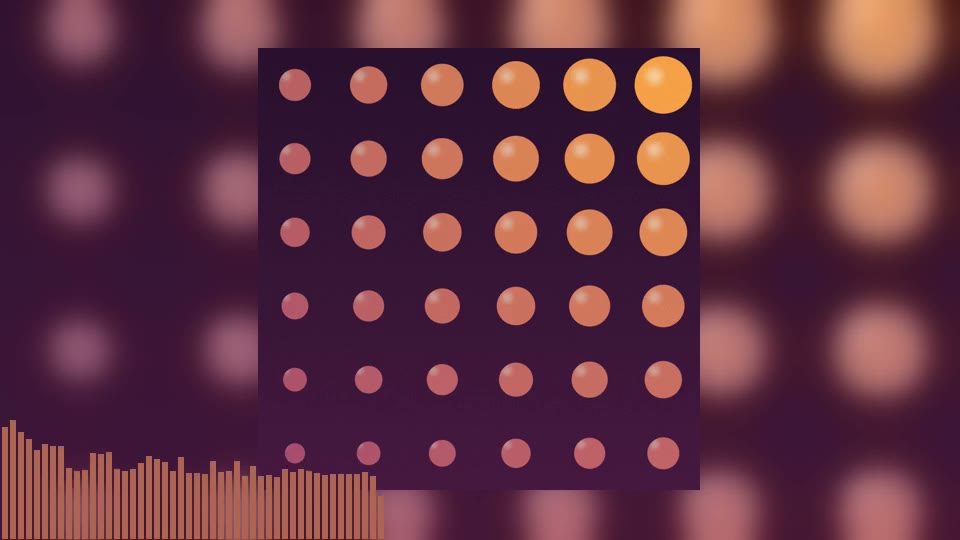
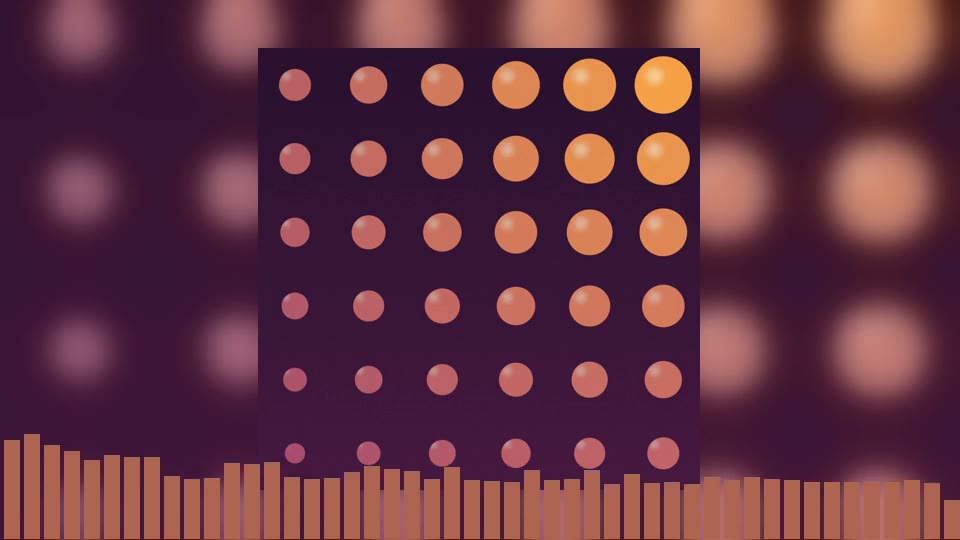
Bottom Band
Bottom Band — along the bottom edge. The default.
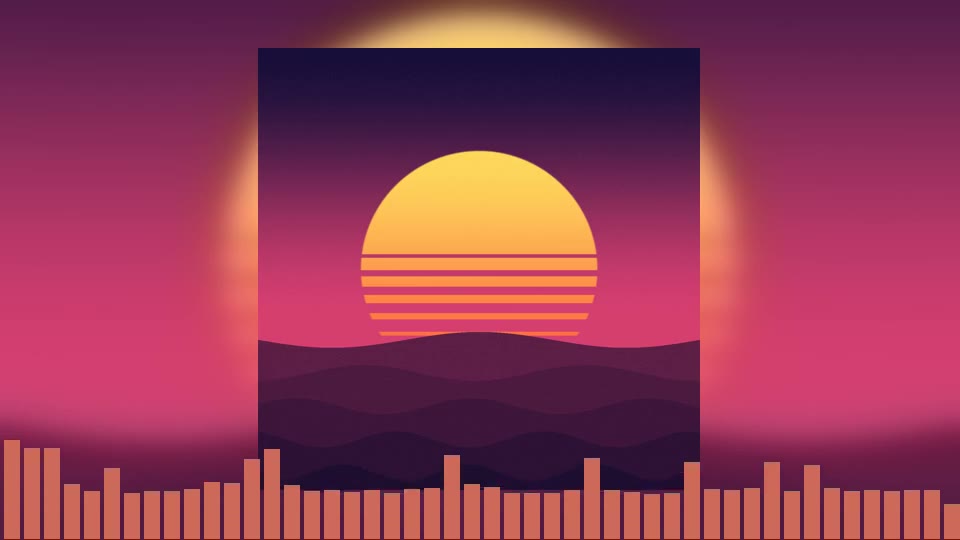
Dual Mirrored Bottom
Dual Mirrored Bottom — reflected up and down from a line near the bottom.
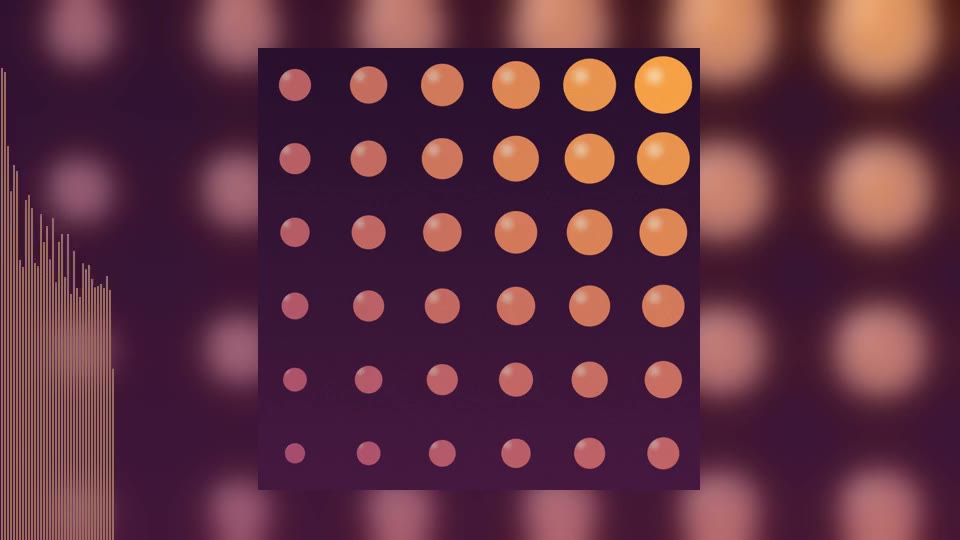
Side Border
Side Border — up the left edge.
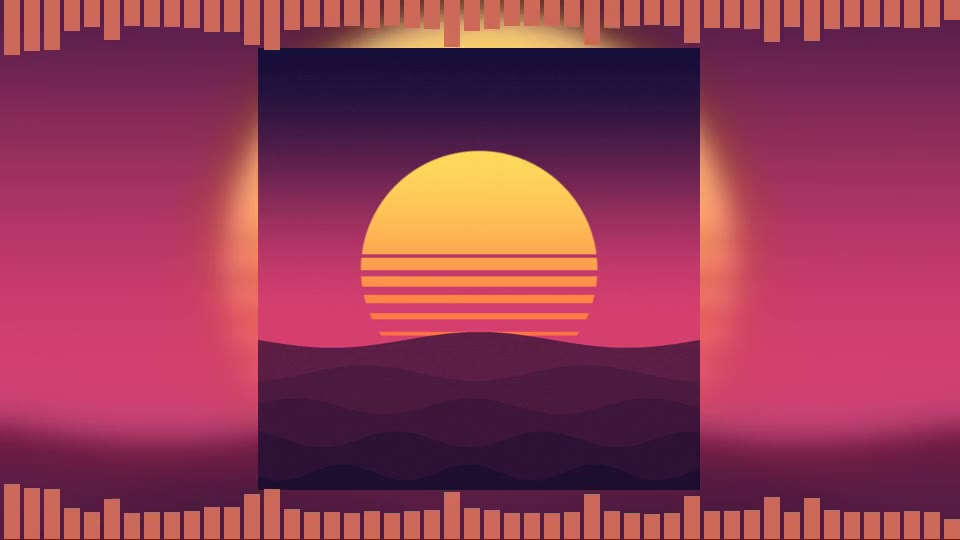
Full Frame Border
Full Frame Border — top and bottom edges.
Ascending Corner
Ascending Corner — a compact meter in the corner.
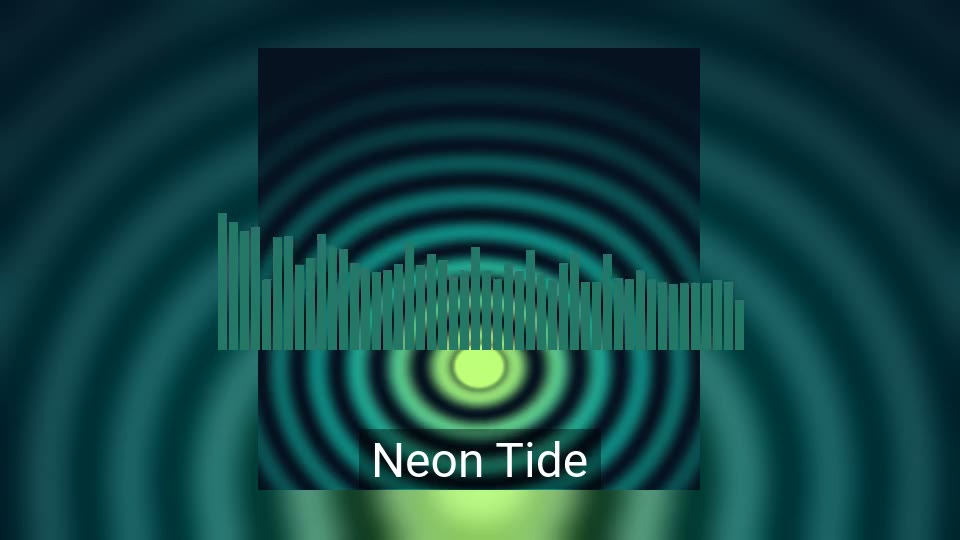
Centered Behind Text
Centered Behind Text — mid-frame, behind the title.
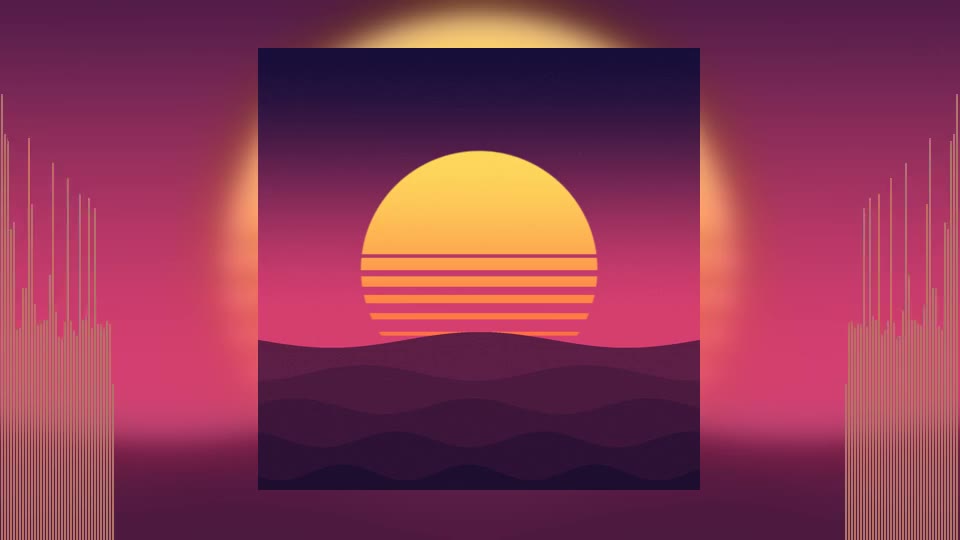
Cover Center + Side Bars
Cover Center + Side Bars — columns either side of the cover.

How the music is drawn.

Bars
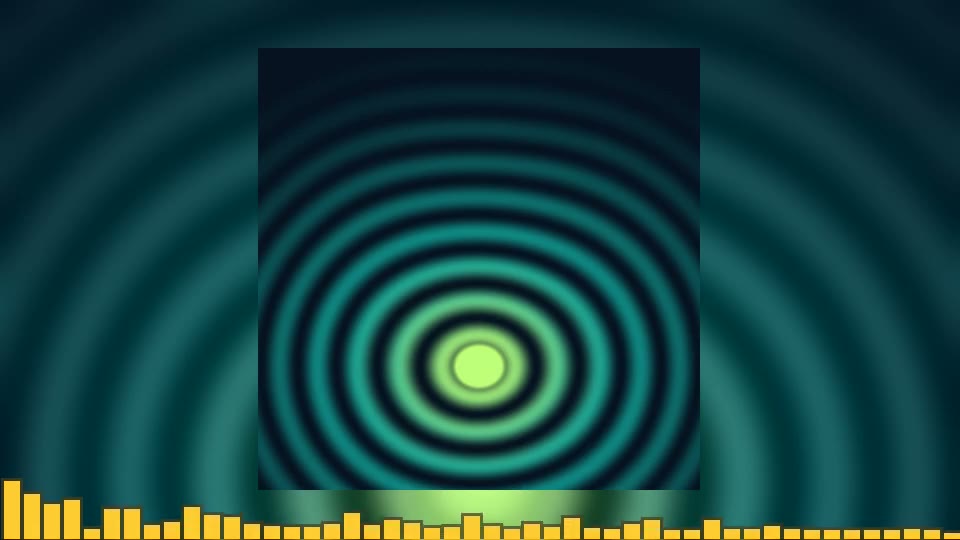
Bars — the spectrum as bars. The default.
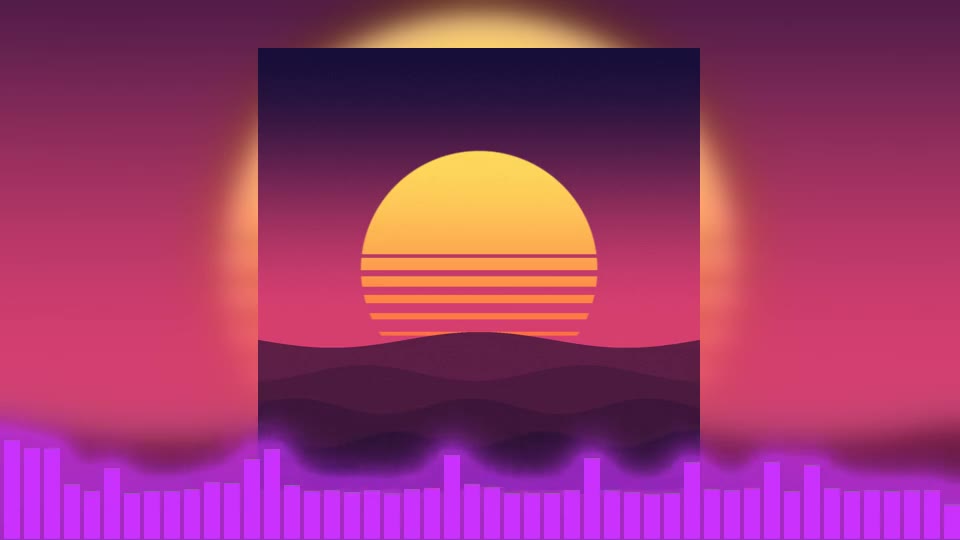
Neon Glow
Neon Glow — bars with a glow spilling onto the background.
Cartoon
Cartoon — chunky bars with a darker outline.
Line Spectrum
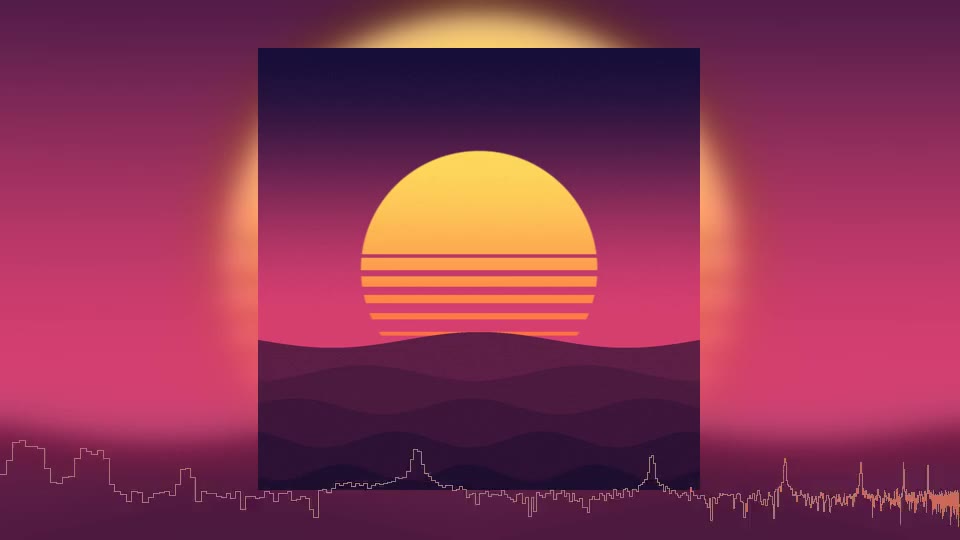
Line Spectrum — the spectrum as one line.
Fluid Wave
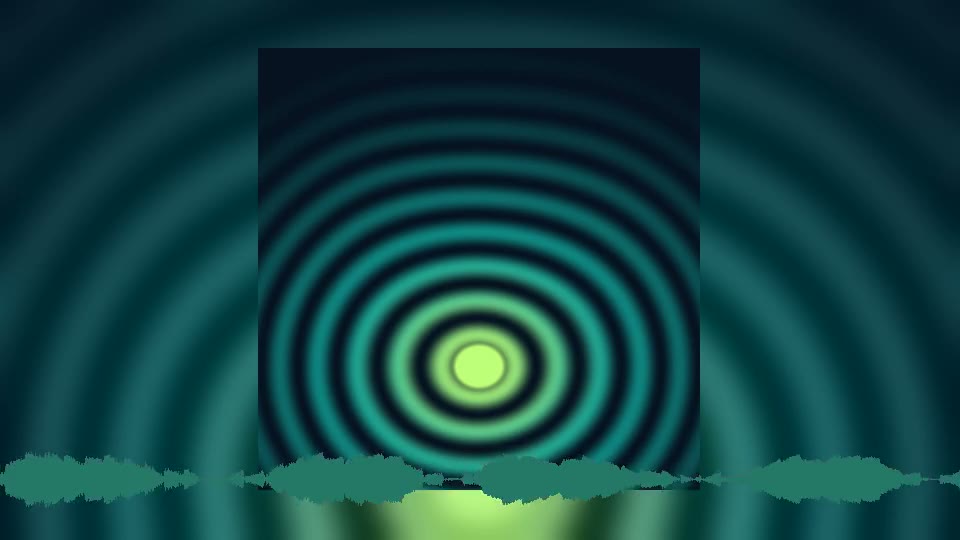
Fluid Wave — the waveform, mirrored around a centre line.
Oscilloscope
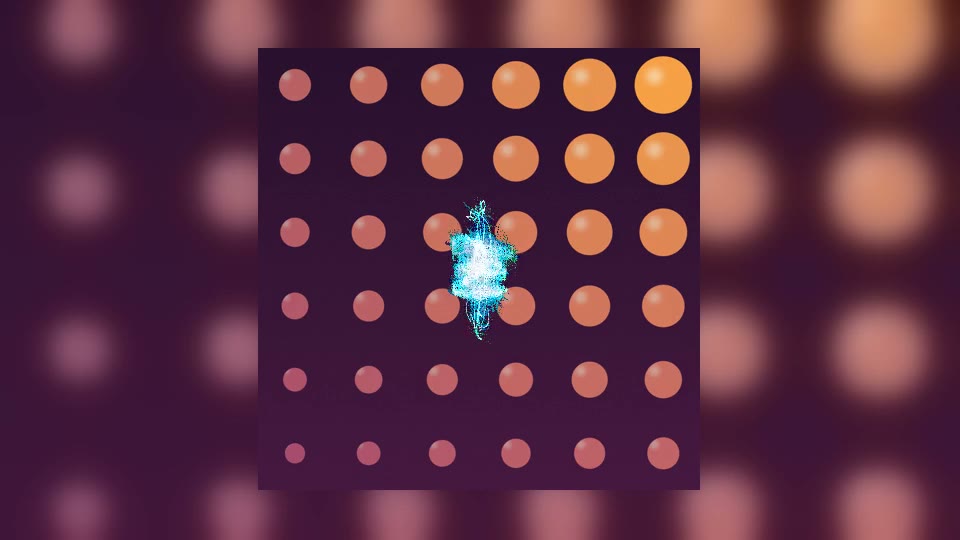
Oscilloscope — the stereo image as a vector scope, in its own colours.

The spectrum styles cover 60 Hz to 16 kHz on a musical (logarithmic) scale, so the bass doesn’t crowd into one bar on the left. The number of bars, how fast they bounce and how tall they reach are on the Customize step.